To track employee performance effectively, you need more than just intuition—you need visibility. In a competitive workplace, where the lines between home and office have blurred, business owners often struggle to maintain a clear view of productivity. Successful performance tracking isn’t about micromanagement; it is about empowerment. It’s about providing your team with the structure they need to excel and your managers with the data they need to lead.
What is a Time Tracking Software?
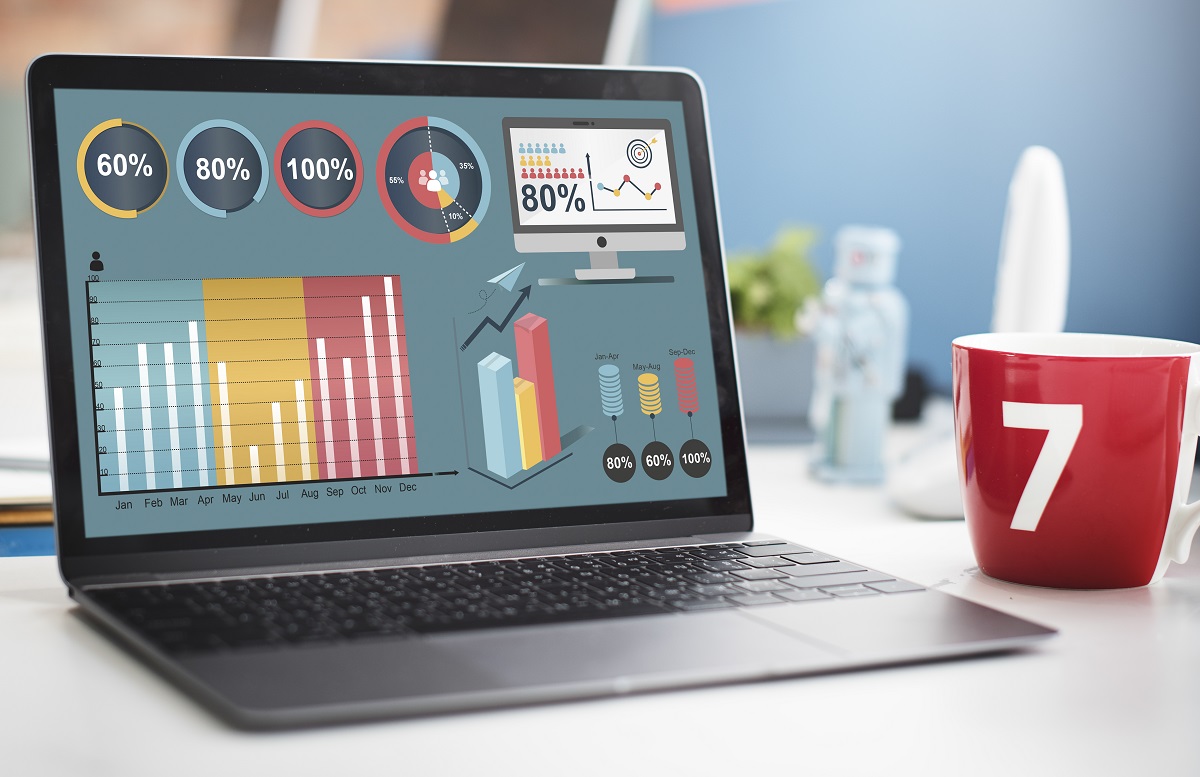
The first step in any performance strategy is establishing a baseline. Implementing a robust time tracking software is the most effective way to understand how your organizational resources are being deployed. When you have a clear picture of how hours are allocated, you can move away from “busy work” and focus on high-impact results.
A digital time tracking system replaces the guesswork of the past. It allows you to see the pulse of your business in real-time, ensuring that team productivity remains high without leading to burnout. By understanding the rhythms of your workflow, you can optimize every minute.
How to Effectively Track Time for Strategic Growth
To track time is to track the lifeblood of your company. It isn’t just about clocking in and out; it’s about understanding the time spent on specific initiatives. For small businesses, this clarity is vital for survival. For larger entities, it’s essential for scale.
Effective tracking involves looking at time logs to identify where bottlenecks occur. Are your team members bogged down in administrative tasks, or are they focused on innovation? By analyzing this tracked data, you can make informed decisions about hiring, training, and resource allocation.
Empowering Your Workforce with Time Tracking Apps
In a mobile-first world, your tools must be as flexible as your team. Modern time tracking apps allow employees to log their progress from anywhere. Whether they are at a job site, traveling for sales, or working from a home office, mobile apps ensure that no employee time goes unrecorded.
These time management apps often include an offline mode, meaning a lost internet connection won’t result in lost data. Once the device reconnects, the real time sync ensures the desktop account is updated instantly. This seamless integration makes it easy for staff to keep track of their own contributions, fostering a culture of accountability.
Essential Team Management and Accountability
Successful team management relies on trust, and trust is built on transparency. When you use employee time tracking software, you create a “single source of truth.” There is no more debating over work hours or project timelines because the data is visible to everyone involved.
By using team management features, leaders can monitor team capacity at a glance. You can see who is nearing their limit and who has the bandwidth to take on multiple projects. This prevents over-tasking and ensures that team performance remains consistent across the board.
Leveraging Advanced Project Management Features
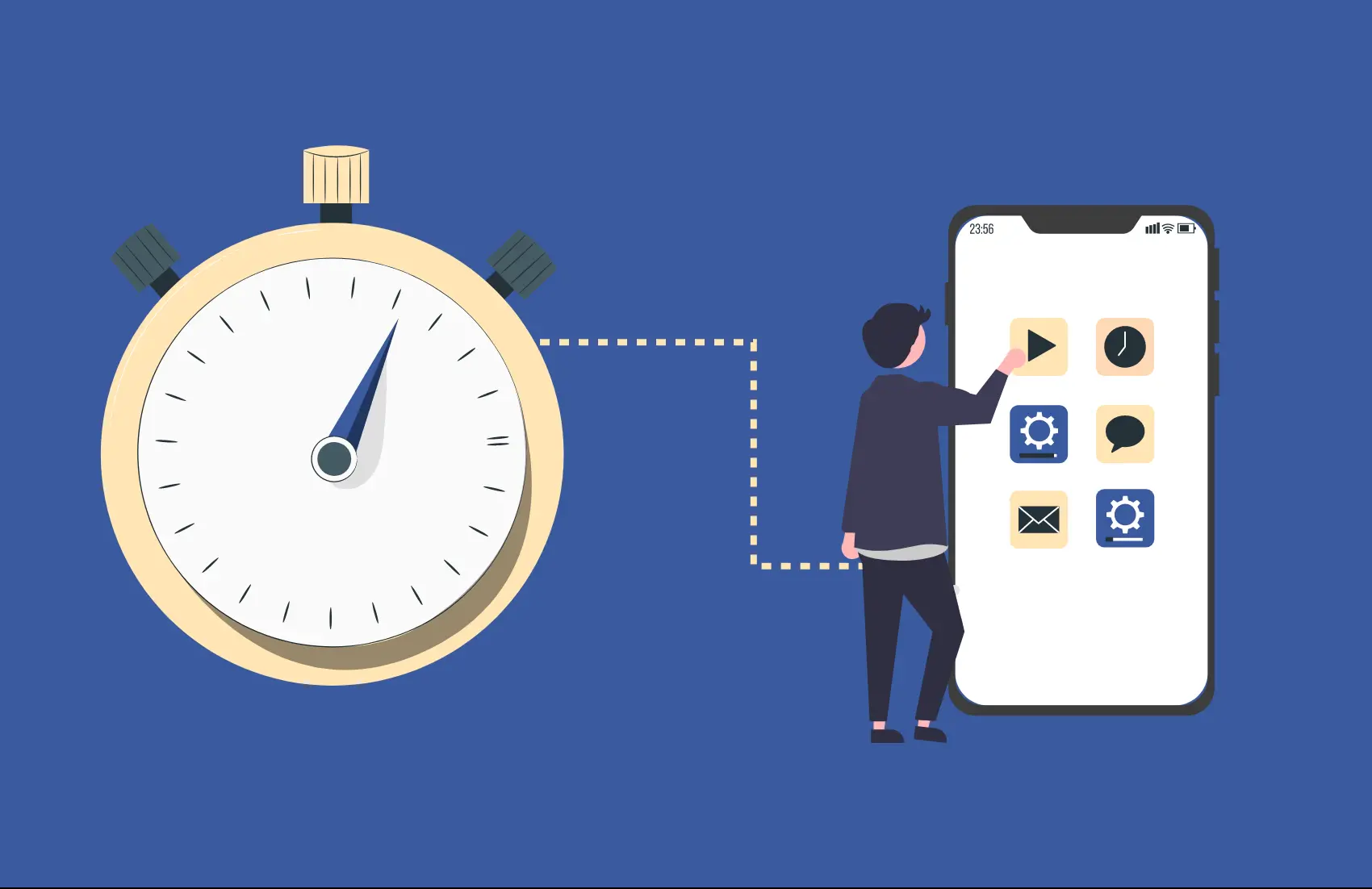
Today’s software does more than count minutes; it integrates deeply with your workflow. Many project management tools now offer unlimited projects and support for unlimited users, allowing you to scale without friction.
When you look for project management features, prioritize those that allow you to track project progress against specific milestones. Using task management within your tracker helps break down large teams‘ workloads into manageable pieces. This visibility into project progress allows you to pivot quickly if a deadline is at risk.
The Evolution of Employee Time Tracking
In the past, employee time tracking was a chore involving paper sheets and manual calculations. Today, it is an automated experience. With an employee time tracking app, the friction of manual entry is removed.
Features like kiosk mode or a facial recognition feature ensure security and accuracy at physical locations. For businesses requiring high security, facial recognition prevents “buddy punching,” ensuring that the data you receive is 100% authentic. This level of detail is what separates a standard business from a high-performance organization.
Data-Driven Decisions: Analyzing Time Tracking Tools
The market is full of time tracking tools, but the best ones are those that turn raw numbers into valuable insights. You need a time tracker that doesn’t just collect data but organizes it.
Advanced time tracking features allow you to categorize hours by client, project, or task. This is essential for job costing, allowing you to see exactly how much a specific project costs in terms of labor. Whether you are using a free plan for small teams or an enterprise solution, the goal remains the same: obtaining clear insights into your operations.
Transforming Results with Time Tracking Data
Your time tracking data is a goldmine. By looking at detailed reporting, you can identify trends over months or even years. Are there certain times of the year when employee performance dips? Are there specific tasks that consistently take longer than estimated?
Using reporting tools, you can generate custom reports that speak directly to your business needs. You can export data for further analysis in spreadsheets or use it to create invoices for billing clients. This transparency in client reporting builds long-term relationships based on honesty and verified results.
Optimizing Workflows for Mobile Devices
We no longer live in a “9 to 5” world tied to a desk. Employees utilize mobile devices to stay connected. Therefore, your time tracker tool must be accessible via browser extension, desktop apps, or a dedicated mobile app.
Having an auto tracker on these devices means automatic time tracking can occur in the background. This automated time capture is far more accurate than trying to remember what happened at the end of the day. It ensures that every one of the billable hours is captured, maximizing your revenue.
Precision in Job Costing and Financial Health
For many industries, job costing is the difference between profit and loss. You need to know if the price you quoted a client matches the actual time spent on the job.
By using project management integrated with time tracking, you can compare estimated hours versus actual hours in real time. This allows you to adjust your pricing for future billing clients and ensures your small businesses remain financially healthy. Even if you start with free time tracking, the financial literacy you gain is priceless.
Scaling Success for Small Teams
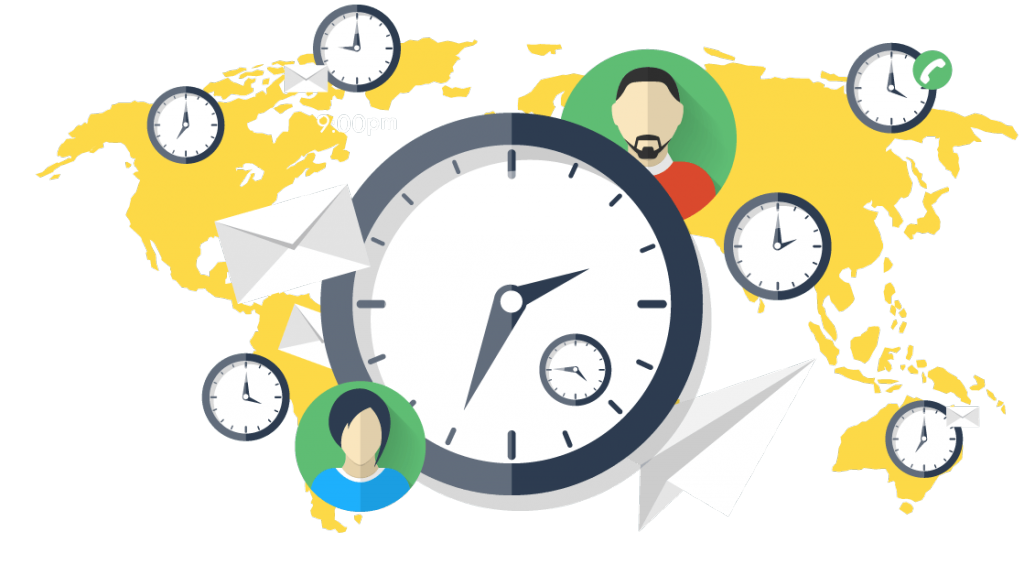
When you are part of small teams, every person wears multiple hats. In this environment, time tracking is even more critical because resources are thin.
A timesheet app with basic features can help a small team stay organized without a steep learning curve. It allows the owner to focus on growth rather than chasing down time logs. As the team grows, the software should grow with it, moving from a free plan to more advanced tiers with customer support and detailed reporting.
Managing Productivity for Large Teams
For large teams, the challenges are different. You aren’t just managing individuals; you are managing departments. Here, automatic time and automated time tracking are non-negotiable.
With hundreds of employees, manual oversight is impossible. You need attendance reports that highlight absences or tardiness automatically. Integration is also key; for example, knowing that QuickBooks Time integrates with your accounting software can save hundreds of hours in payroll processing. Whether it’s QuickBooks Time or QuickBooks Online, having a centralized system for employee time is vital for corporate efficiency.
Why Choose Office Punch?
In a sea of popular project management tools and names like Toggl Track, Office Punch offers a refreshing, straightforward approach to workforce management. We believe that software should work for you, not the other way around.
Office Punch is designed with a user friendly interface that reduces the learning curve for your staff. We offer:
- GPS tracking and GPS location for field teams to ensure accountability on every job site.
- Facial recognition and kiosk mode for secure, touchless check-ins.
- Detailed reporting and attendance reports to simplify your payroll.
- Seamless project management that allows you to handle unlimited projects and unlimited users without complexity.
We provide the real time insights you need to improve productivity while giving your employees the free time they deserve by eliminating administrative “busy work.”
Conclusion: A Culture of Excellence
Successfully tracking employee performance is about creating a culture where everyone understands the value of their time. By implementing the right time tracking software and utilizing mobile apps for flexibility, you empower your team to do their best work.
Whether you are looking to capture more billable hours, improve your job costing, or simply gain clear insights into your daily operations, the right tools are available. Moving away from manual entry toward automatic time tracking is a significant step toward a more professional, efficient, and profitable future.
Stop wondering where the day went—start knowing. With the right time tracking data, you can lead your business with the precision of a master conductor.