In B2B SaaS and workforce management, time is the only currency that cannot be printed. For business owners, understanding how every hour is utilized is the difference between a thriving enterprise and one that is merely “busy.” This is where time tracking moves from being a simple administrative task to a strategic powerhouse.
By implementing a modern time tracking software, you aren’t just watching the clock; you are gaining valuable insights into the heartbeat of your operations. Whether you are managing remote teams or a local office, the ability to track time accurately is the foundation of professional team management.
The Strategic Power of Time Tracking Software

Choosing a high-quality time tracking software allows a project manager to move away from guesswork. It provides clear insights into how much time spent actually contributes to the bottom line. With unlimited projects and the ability to support unlimited users, a robust time tracking system grows with you, ensuring that employee performance is always visible.
Transforming Your Workflow with a Time Tracking App
An employee time tracking app simplifies the workday. Instead of dreading the end-of-week manual update, employees can use a mobile app or a web app to log their progress in real-time. This reduces the learning curve and ensures that time entries are accurate. Many time management apps now offer a free plan or free features, making it easy for small teams to start without a financial hurdle.
Why Every Project Manager Needs to Track Time
To effectively track time is to master project management. When you can see time logs and detailed timesheets, you can identify bottlenecks before they become crises. This tracked data is essential for billing clients accurately, ensuring that every one of the billable hours is accounted for. Using a time tracker helps maintain high team performance by ensuring everyone is aligned with the company’s goals.
Exploring Modern Project Management Features
Today’s tracking software is loaded with project management features. Beyond just a stopwatch, these project management tools allow for seamless task management. You can organize multiple projects, set milestones, and use reporting tools to visualize progress. Features like a browser extension or desktop apps ensure that the time tracker tool is always within reach, making logging time second nature.
Essential Time Tracking Tools for Every Manager
The right time tracking tools act as productivity tools. They offer automated time tracking so that work hours are captured even if someone forgets to hit “start.” This automated time capture is a game-changer for large teams where manual oversight is impossible. By using these tracking tools, you gain real time insights that allow for advanced reporting and custom reports.
The Foundation of Modern Team Management
Effective team management relies on understanding team capacity. By analyzing time tracking data, managers can see who is overworked and who can take on more. This leads to better personal productivity across the board. Whether you use free time tracking or a paid version, the reporting features—such as attendance reports—ensure that your team management features are actually working for you.
Understanding the Value of Time Tracking Data
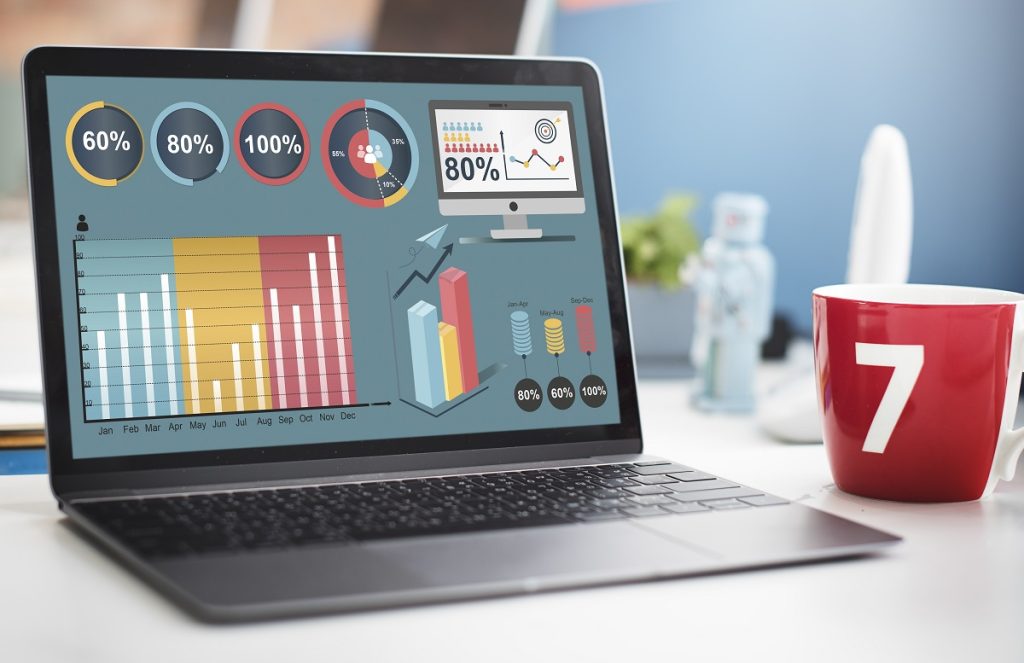
Data-driven decisions are better decisions. Time tracking data helps you understand the ROI of every task. By using detailed reporting and the ability to export data, you can create attendance reports that help with payroll and compliance. This data turns manual entry into a thing of the past, replacing it with automatic time tracking that provides a user friendly interface for everyone.
Mastering Expense Tracking and Client Reporting
A complete time tracking app often includes expense tracking. This allows you to see the total cost of a project, not just the hours. When it’s time for client reporting, you can create invoices with confidence, backed by real time sync data. This transparency builds trust and ensures that billing clients is never a point of friction.
Why Choose Office Punch?
Office Punch stands out as a premier employee time tracking software because it bridges the gap between simplicity and power. It is designed specifically for those who want automated time without the complexity of traditional popular project management tools and a wide range of time tracking features.
With Office Punch, you get:
- Automatic time capture that integrates with Google Calendar.
- An auto tracker that minimizes the need for manual entry.
- Comprehensive reporting features that provide real time insights.
- A user friendly interface that works across desktop apps and mobile.
- The ability to scale from small teams to large teams effortlessly.
It is more than just free time tracking software; it is a partner in your business growth, helping you protect your free time while maximizing your work hours.
Boosting Productivity in Small and Large Teams
Whether you are looking for free time tracking to get started or need advanced reporting for a corporation, the goal is the same: efficiency. By using productivity tools and project time tracking, you ensure that your employee time is spent on high-value tasks. Even the basic features of a timesheet app can provide valuable insights that lead to a more profitable business.
Conclusion

Time tracking is the key to unlocking your team’s full potential. It provides the clear insights needed to lead with confidence and the detailed reporting required to stay profitable. By choosing a system that offers automated time tracking and a user friendly interface, you set your business up for long-term success.
Ready to transform your productivity? Start tracking your success today.
Frequently Asked Questions
1. Is there a free time tracking software option for us? Yes, many platforms offer a free plan with basic features that are perfect for small teams or those just starting to track time.
2. How does automatic time tracking work? Automatic time tracking or an auto tracker monitors your activity on desktop apps or via a browser extension, automatically creating time entries so you don’t have to remember to start a timer.
3. Can I use a time tracking app for remote team members? Absolutely. A mobile app with real time sync is ideal for remote teams, allowing them to log work hours from anywhere in the world.
4. Does the software help with billing clients? Yes. By capturing billable hours through project time tracking, you can use reporting tools to create invoices and handle client reporting with total accuracy.
5. What are the benefits of detailed reporting? Detailed reporting and custom reports allow you to analyze team performance, manage team capacity, and use tracked data to make informed hiring or pricing decisions.