Employee Productivity Monitoring with Office Punch
Modern teams need transparency. HR leaders need accurate records. Operations managers need insight into how employees spend work hours. Business owners need proof of work and stronger compliance.
5 - Average Rating
- Book More Productive Hours
- Flexible Monthly Plans
- Cancel anytime

Office Punch delivers secure, cloud-based employee monitoring solutions built for organizations that value accuracy, efficiency, and workplace productivity. No project management. No billing tools. No mobile tracking. Just structured time tracking, attendance automation, and activity visibility.

Workplace Transparency

Accurate Work Records

Operational Insights

Secure Monitoring
Why Choose Office Punch
Office Punch is designed to improve: Operational efficiency, Workforce analytics, Employee productivity tracking, Employee engagement, and Data security. It helps organizations measure productivity without turning into invasive surveillance. Unlike monitoring platforms that focus on task management or project tracking, Office Punch focuses on:
- Logged work hours
- Active vs idle time
- Activity tracking
- Attendance records
This keeps systems simple and improves adoption across remote and hybrid teams.
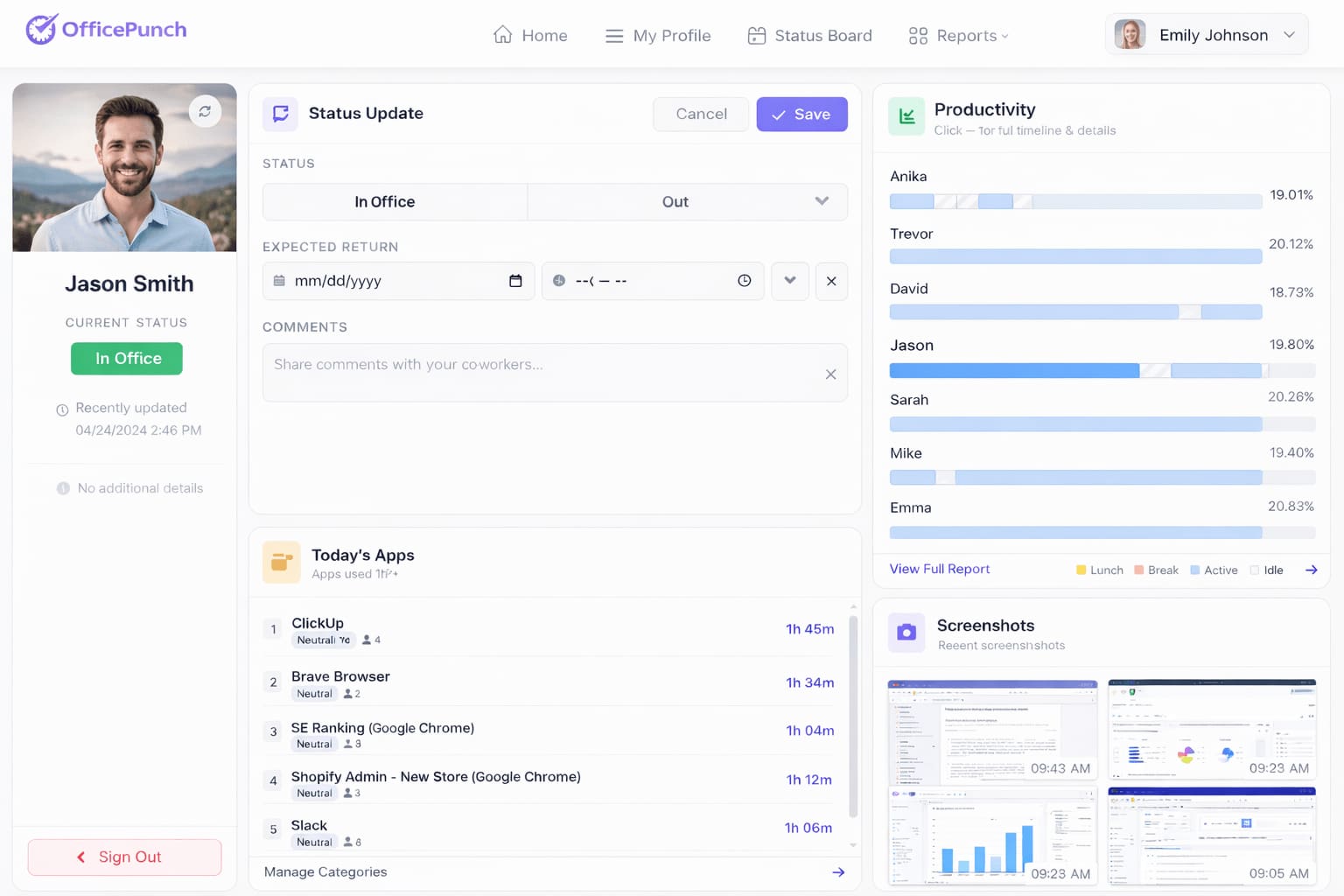
Employee Monitoring Software
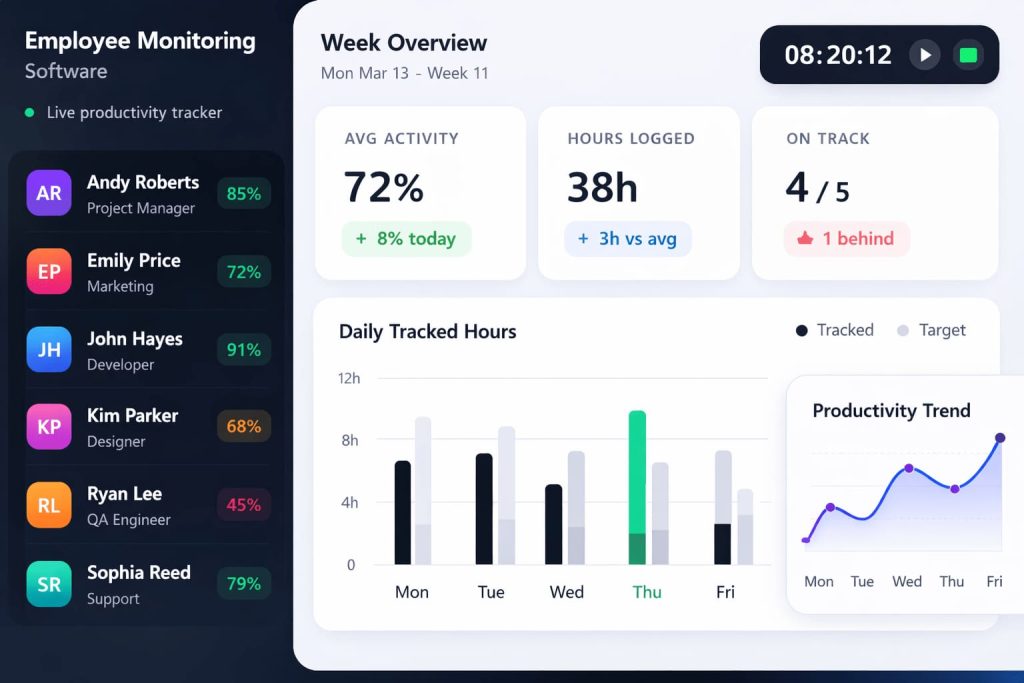
Office Punch is reliable employee monitoring software built for distributed teams and office-based staff. It provides:
- Secure desktop-based tracking Automatic time tracking
- Activity monitoring Detailed tracking logs Advanced workforce analytics
- There is no mobile app
- There is no GPS tracking.
There is no kiosk mode.
Monitoring happens only on company devices through secure desktop access and web dashboard controls.
Best Employee Monitoring Software
The best employee monitoring software balances visibility with employee privacy.
Office Punch focuses on: Activity monitoring, Idle time detection, Random screenshot capture, User behavior analytics, Productivity trends. It does not support: Continuous video recording, Keystroke logging, keystroke monitoring, screen recording, and GPS tracking. Screenshots are taken at random intervals. No one can predict capture times. This ensures fairness and transparency.
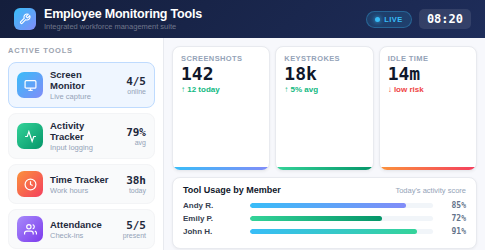
Employee Monitoring Tools
Office Punch includes structured employee monitoring tools that help organizations: Track employee activity, Measure productivity, Monitor time spent, Optimize workflows, and Improve productivity. Admins can generate detailed reports to identify productivity metrics and optimize team performance. This system works across different operating systems and supports distributed teams.
Employee Monitoring
Employee monitoring must be responsible. Office Punch supports: Employee activity tracking, Activity monitoring, Idle time reports, Attendance logs, Workforce analytics. It avoids deep monitoring capabilities that invade employee privacy.
The goal is to boost productivity while respecting employee data and compliance standards.
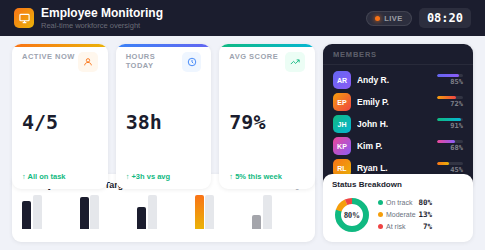
Employee Engagement
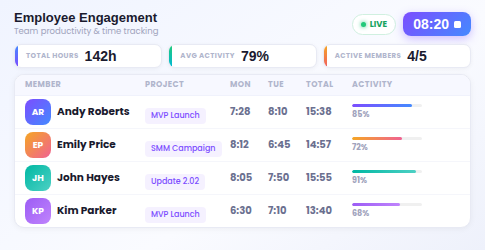
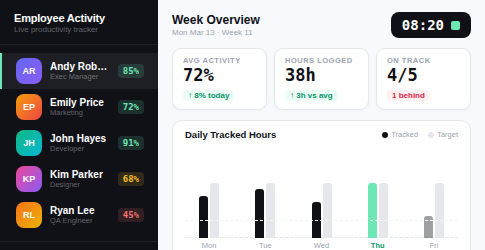
Clear expectations improve employee engagement. When employees know their work hours are tracked accurately, they stay focused, improve productivity, and support better work-life balance. Managers can use productivity tools and reports to guide the improvement of employee engagement across remote workforce teams.
Employee Activity
Office Punch records employee activity in structured ways:
Automatic time entries, Idle time detection, Active vs inactive tracking, Time tracking logs, Auto clock-in triggers on system startup, not when an employee clicks start.
This ensures accurate tracking from the moment company devices power on.
Employee Privacy
Employee privacy matters. Office Punch does not include: Continuous video recording, Keystroke tracking, Screen recording, or GPS time tracking. Monitoring focuses only on work hours and activity visibility. This balance strengthens trust while maintaining compliance and data security. Data Security: Protecting employee data and company systems is critical. Office Punch supports: Access controls, Secure cloud storage, Geo-location-based punch restrictions, and IP-based attendance restrictions. Geo-boundary enforcement applies to desktop-based punches only. This reduces insider threats and supports insider threat detection without overreach.
Detailed Service Features
Time Tracking
Attendance-based time tracking records work hours and time spent active. It does not manage projects or tasks.
Attendance
Attendance tracking ensures accurate records and compliance.
Shift Scheduling
Admins can manage structured work hours without creating rigid project plans.
Productivity
Advanced reporting highlights productivity metrics, employee performance, and workforce analytics.
Take Control of Productivity
Employee productivity monitoring should improve clarity, not create confusion.
Office Punch delivers reliable employee monitoring software built for accurate work hours, activity visibility, and compliance.
Strengthen team productivity.
Improve data security.
Optimize operational efficiency.
Testimonials
HR Director
“Productivity monitoring improved operational efficiency.”
Operations Manager
“Idle time reports helped optimize workflows.”
Staffing Agency Owner
“Workforce analytics improved team performance.”
Business Owner
“Geo restrictions strengthened attendance control.”
IT Manager
“Great customer support made onboarding easy.”
FAQ
Frequently Asked Questions
Does Office Punch track projects?
No. It focuses only on time, attendance, and activity tracking.
Does it use keystroke logging or video recording?
No. It does not include keystroke logging, continuous video recording, or screen recording.
Is mobile tracking supported?
No. Monitoring works through secure desktop-based systems only.
Does the free plan include productivity monitoring?
No. Time tracking and activity tracking are available only on the premium plan.
Can reports be exported?
Yes. Admins can generate detailed reports and export data for payroll integration.