Secure Project Time Tracking
Modern businesses need more than a clock on the wall. They need clear visibility into work hours and team productivity. Office Punch provides a cloud-based platform to track time and monitor activity with total accuracy. Our software makes it easy for HR teams and business owners to manage their workforce without the guesswork.
5 - Average Rating
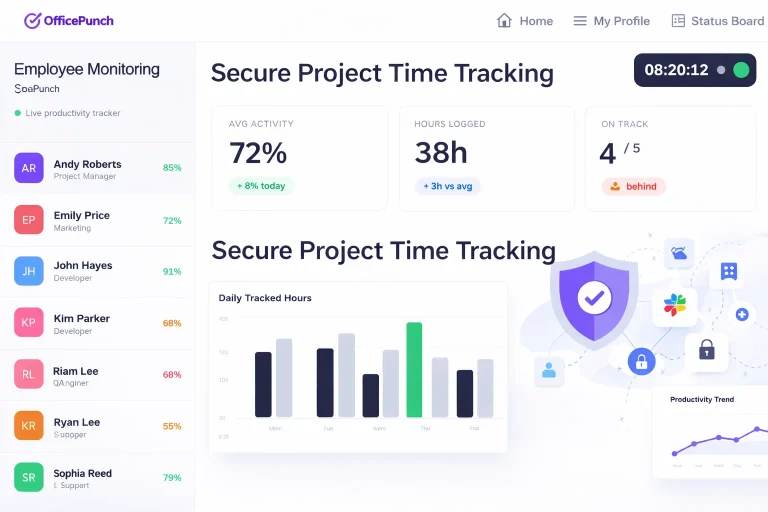

Why choose Office Punch for your team?
Choosing the right time tracking app is essential for a growing business. Office Punch focuses on attendance and activity, not complex project management. We provide a simple setup that allows your team to get started in minutes. With our desktop apps, you get a reliable record of when work starts and ends.Our system offers clear visibility into employee performance. You can see active versus idle time at a glance. This helps you measure productivity without micromanaging. The platform is fully compliant with labor standards, ensuring your data is always audit-ready.

Time Accuracy

Activity Insights

Desktop Tracking

Access Security
Key benefits of attendance automation
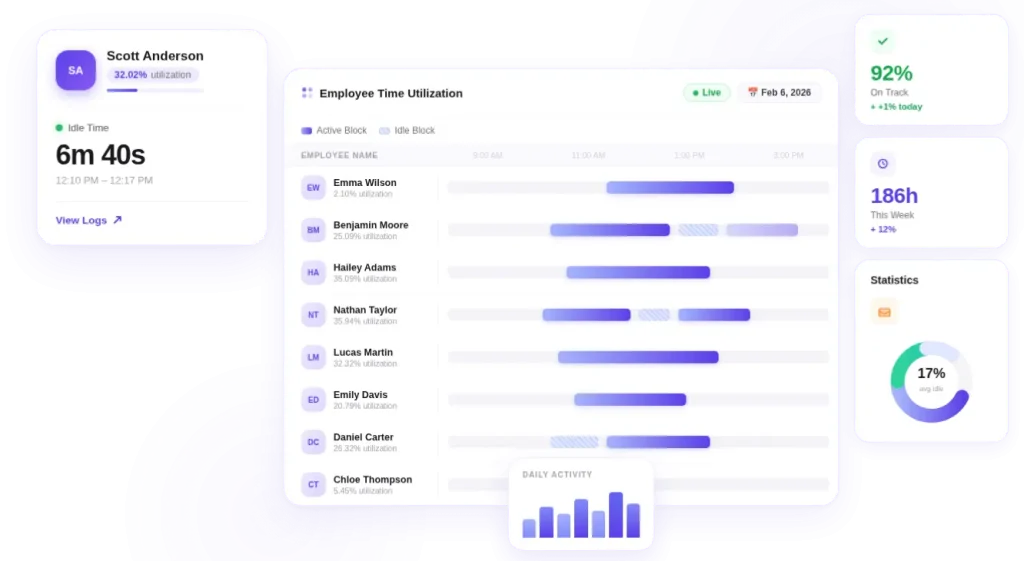
Automating your time tracking software provides immediate value. It removes the need for manual time entries that lead to errors. When you use an auto tracker, you ensure that every minute of work is captured.
Improve Accuracy: Eliminate “buddy punching” with secure desktop-based tracking.
Boost Productivity: Identify patterns in team performance to optimize work hours.
Enhance Compliance: Keep a digital trail of attendance reports for HR records.
Save Time: Spend less time on payroll and more time on growth.
Professional project time tracking software
Our software is the perfect tool for tracking project time through attendance and for effective team management.
You can see how much time spent is dedicated to the workday. This data helps you understand resource allocation and workforce utilization. Our desktop apps are designed to be non-intrusive. They provide actionable insights without slowing down your computer. By capturing actual hours worked, you get a clear picture of team capacity. This is essential for future planning and adjusting resources as your teams grow.
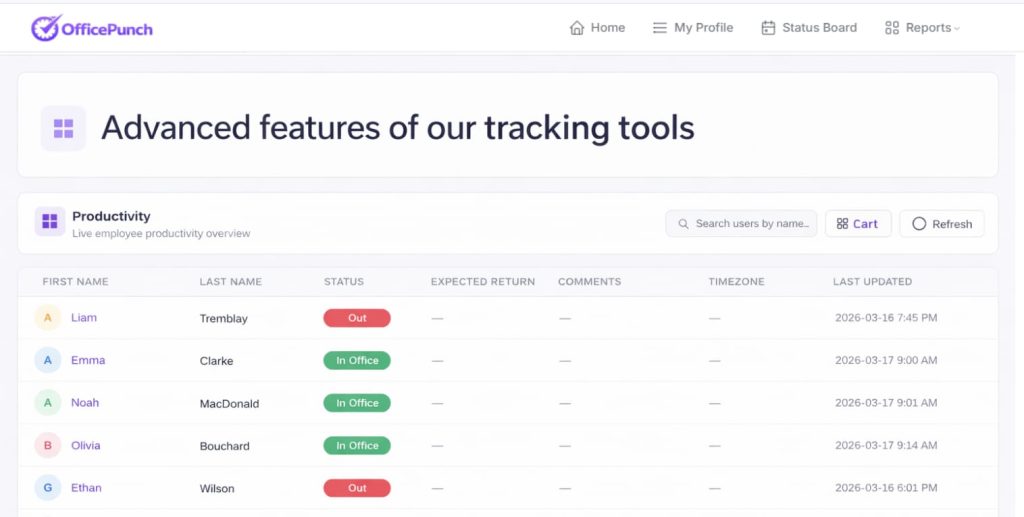
Advanced features of our tracking tools
Office Punch offers premium features that go beyond simple clock-ins. Our platform captures screenshots at random intervals. No one can predict when the system will take a picture. This provides proof of work and clear insights into daily activity.
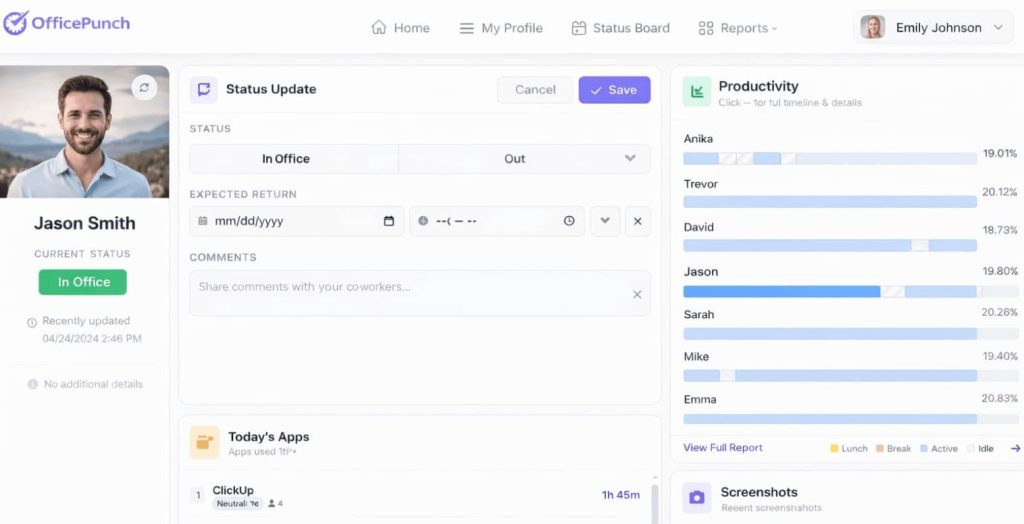
Secure Desktop-Based Tracking
We do not use a mobile app. This ensures that work is tracked on authorized company hardware. The auto tracker triggers on system startup (PC or laptop start). This ensures that time tracking begins the moment the employee starts their device.
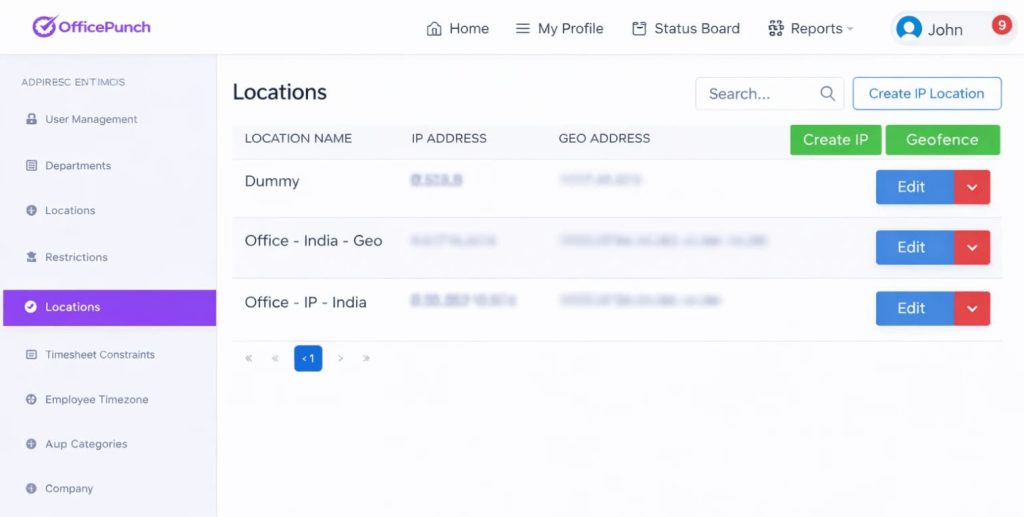
Geo-Location and IP Restrictions
Security is our priority. We support both IP approval and geo-boundary enforcement. This means you can set geo-location-based punch restrictions. Employees can only clock in from approved physical locations or specific network addresses.
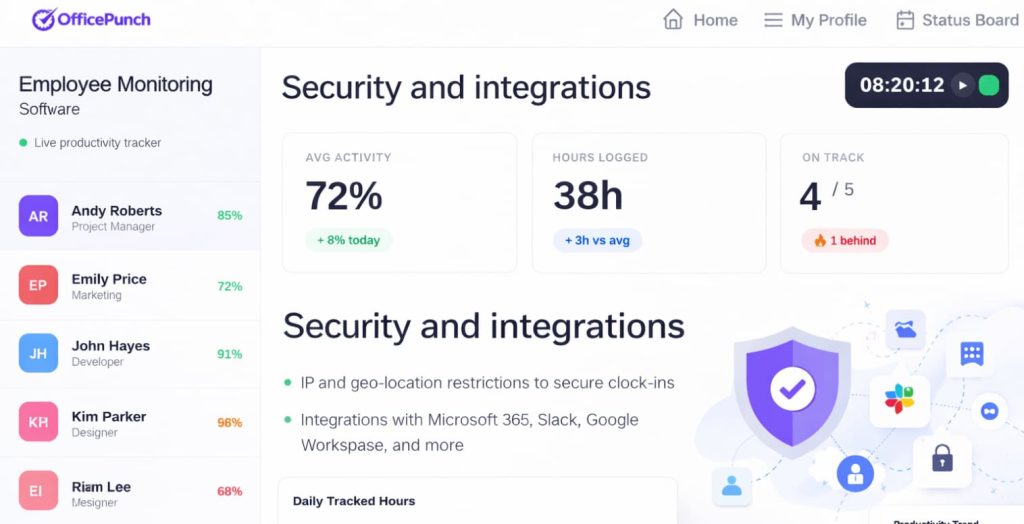
Security and integrations
Your data is secure with Office Punch. We use industry-standard encryption to protect your tracked data. While we are not a project management software, we provide export features. You can take your time data and use it with other tools. We focus on being the best at one thing: attendance and activity tracking.
Fully compliant data for industries served
How it works for small teams and large teams
Our platform is designed for everyone. From small businesses to large teams, the setup remains simple. Install the Desktop App: Download our lightweight software on employee workstations. Set Restrictions: Define IP and geo-location boundaries in the web dashboard. Automatic Tracking: Work hours are logged automatically when the PC starts. Monitor Activity: Admins view screenshots and activity reports in real-time. Review Data: Use reporting tools to summarize time and evaluate performance.
Comparing our basic paid plan and premium features
We offer different tiers to suit your business size. Our free plan provides limited access to basic tools. It does not include time tracking, activity tracking, or screenshots. For full visibility, businesses choose our paid plans.The basic paid plan includes essential reporting tools. The premium plan adds advanced activity insights and random screenshots. This allows you to scale your use of the platform as your business grows. You can add unlimited users to your account to ensure everyone is covered.
Better than billable hours: Focus on work hours
We offer different tiers to suit your business size. Our free plan provides limited access to basic tools. It does not include time tracking, activity tracking, or screenshots. For full visibility, businesses choose our paid plans.The basic paid plan includes essential reporting tools. The premium plan adds advanced activity insights and random screenshots. This allows you to scale your use of the platform as your business grows. You can add unlimited users to your account to ensure everyone is covered.
Master your project time with Office Punch
Stop guessing and start tracking. Office Punch provides the clear visibility you need to manage your workforce effectively. Whether you are a small business or a large corporation, our platform scales with you.
Testimonials
HR Director
"Office Punch changed how we handle attendance. We no longer rely on manual logs. The activity reports are a game changer for our HR team."
Operations Manager
"The geo-location restrictions are perfect. We know exactly where our team is when they start their day. It provides great peace of mind."
Staffing Agency Owner
"We tried other time tracking tools like toggl track, but they were too focused on projects. Office Punch is exactly what we needed for simple attendance."
Business Owner
"The random screenshots help us maintain high standards. It is a fair way to see proof of work without constant check-ins."
IT Manager
"Easy to use and very reliable. The desktop app just works. Our team performance has improved since we started tracking work hours."
FAQ
Frequently Asked Questions
Does Office Punch support a mobile app?
No. We focus on secure desktop-based tracking to ensure accuracy and prevent location spoofing.
What is the difference between the free plan and the premium plan?
The free plan is a basic, limited-access plan. Time tracking, activity reports, and screenshots are only available on our premium paid plans.
Can I track specific project tasks?
Office Punch is an attendance and activity tracker. It does not support task management, sprint tracking, or project planning.
How does the auto tracker start?
The tracker starts automatically when the employee’s computer starts. This ensures all work hours are captured from the very beginning of the session.
Does it support client billing?
No. Our software tracks work hours and activity. It does not have features for billable time, client relationships, or project profitability.