Time affects every business result. Yet many companies still use unclear records, spreadsheets, or manual logs to manage attendance. This often creates errors, delays, and weak visibility into how teams use the workday. When leaders cannot see reliable work hour data, planning becomes harder.
The smarter solution is to track employee time with structured systems. Modern time tracking software helps businesses monitor attendance, logged work hours, active time, idle time, and workforce trends. It supports cleaner records, better decisions, and stronger accountability. Time tracking software works by letting users track time with timers or manual entries, especially for remote teams.
For organizations that want growth and consistency, a reliable time tracker is no longer optional. It is part of strong operations.
Track Employee Time With Better Control
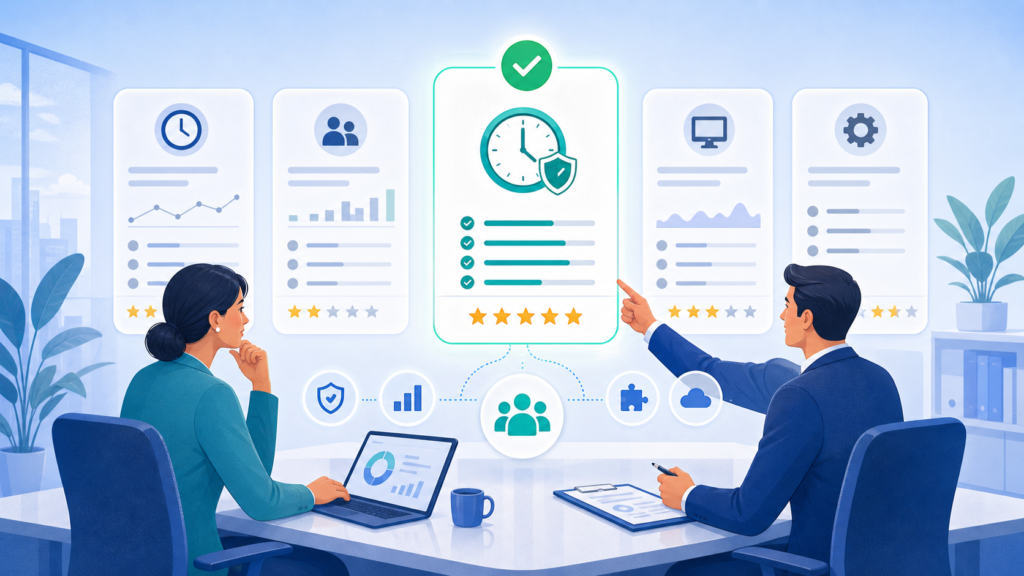
When companies choose to track employee time, they gain clarity across the business. Managers can review start times, total hours, late logins, attendance gaps, and daily consistency.
Office Punch helps teams track time through desktop-based attendance systems that capture accurate punch records and productivity activity. Instead of checking paper logs, leaders can review clean digital records.
This gives businesses stronger control while reducing manual admin work.
Time Tracking Software That Fits Real Business Needs
The best time tracking software should be simple, useful, and easy to adopt. Businesses need systems that help software work in real office settings, not tools that create confusion.
Office Punch is designed as employee time tracking software focused on attendance and activity visibility. It helps companies review hours worked, active versus idle time, and proof of work through screenshots taken at random intervals.
For many businesses, this is more practical than overloaded systems filled with unused extras.
Track Time Without Manual Errors
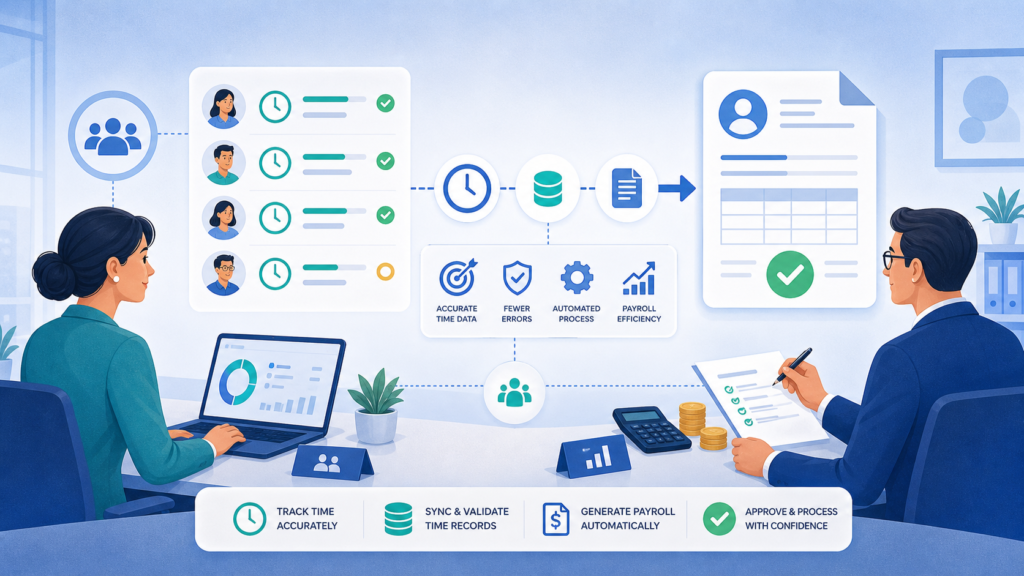
Manual entries often cause mistakes. Employees may forget to log hours. Managers may spend time correcting timesheets. Payroll reviews can slow down.
Digital systems help teams track time in real time. Auto clock-in on system startup supports automated time tracking and stronger daily consistency. This kind of automatic tracking helps create dependable time logs and clean time entries.
With stronger records, leaders spend less time fixing data and more time managing people.
Time Tracking App With Secure Desktop Access
Many companies search for a time tracking app or an employee time tracking app. Office Punch focuses on secure desktop use rather than open mobile punching.
Employees use company computers or approved laptops. Administrators use the browser-based dashboard as a web app to monitor attendance, review reports, and manage settings.
This model gives businesses stronger control while keeping access simple.
Free Plan for Basic Needs
Some organizations begin with a free plan while evaluating systems. Basic access can help teams understand the platform and test workflows.
As needs grow, premium tools often become more valuable. Screenshots, deeper analytics, activity visibility, and stronger reporting are usually part of premium features.
Businesses searching for free time tracking, free time tracking software, or free features should compare entry access with long-term needs.
Project Management Features vs Attendance Focus
Some platforms emphasize project management features, task management, managing projects, or planning tools. Office Punch is designed differently.
Its strength is attendance automation, logged hours, productivity visibility, and workforce reporting. It helps businesses monitor staff time and utilization rather than adding layers that many teams do not need.
That makes it a cleaner option for organizations focused on operations.

Tracking Tools That Improve Productivity
Strong tracking tools should support business growth. Office Punch combines attendance capture, screenshot proof, active time summaries, and admin dashboards into one system.
These time tracking tools help leaders understand team productivity, team performance, and employee performance without guesswork.
Managers can review trends and support better workforce utilization or team capacity planning.
Mobile App Searches and Better Desktop Security
Many buyers search for a mobile app because it is a common keyword in the market. Yet many businesses prefer secure workplace tracking through desktops.
Office Punch avoids open mobile punch issues by using approved systems for attendance capture. This creates cleaner records and stronger internal control.
Managers still get convenient online access through the dashboard.
Time Tracking Data That Drives Decisions
Good time tracking data supports better leadership.
Managers can study attendance trends, active hours, idle periods, and consistency levels. HR teams can prepare summaries faster. Leadership teams can review department productivity.
Without reliable data, decisions rely on assumptions. With clear records, decisions improve.
Small Teams Need Smart Systems
Even small teams benefit from modern software. A small business can feel attendance gaps quickly because every role matters.
Using dependable tracking software early helps smaller organizations build discipline and structure. As headcount grows, the system scales with it.
This is why many small businesses now adopt digital attendance systems sooner.
Personal Productivity and Team Habits
Time visibility can also improve personal productivity.
When employees understand attendance expectations and active work patterns, routines often improve. Staff become more aware of distractions and daily focus.
At the same time, leaders gain stronger insight into overall team management and performance trends.
Project Manager View of Workforce Capacity
A project manager, department lead, or operations manager often needs visibility into people availability rather than complex planning systems.
Office Punch helps leaders understand who is present, who is active, and how work hours are distributed. This supports scheduling and resource use across teams.
It helps leaders manage people better through clarity.
Management Features Leaders Use
The most useful management features are practical ones.
Office Punch offers attendance dashboards, screenshot proof, custom analytics, reporting features, custom reports, customized reports, and easy controls for admins. It also supports IP restrictions and geo-boundary punch controls.
These features help managers act faster without wasting time.
Reporting Tools and Export Options
Good reports save time. Office Punch gives businesses access to attendance summaries, productivity trends, and team insights.
Managers can export data when needed for internal reviews. Strong reporting tools help convert raw records into action.
This supports payroll checks, department planning, and leadership reporting.
Comparing Popular Searches in the Market
Businesses often research tools such as Toggl Track, QuickBooks Time, or ask software advice sites for options. They also search terms like time management apps, timesheet apps, desktop apps, or browser extension tools.
The better question is simple: Does the system solve your real business need?
If the need is attendance accuracy, activity visibility, and proof of work, choose software built for that purpose.
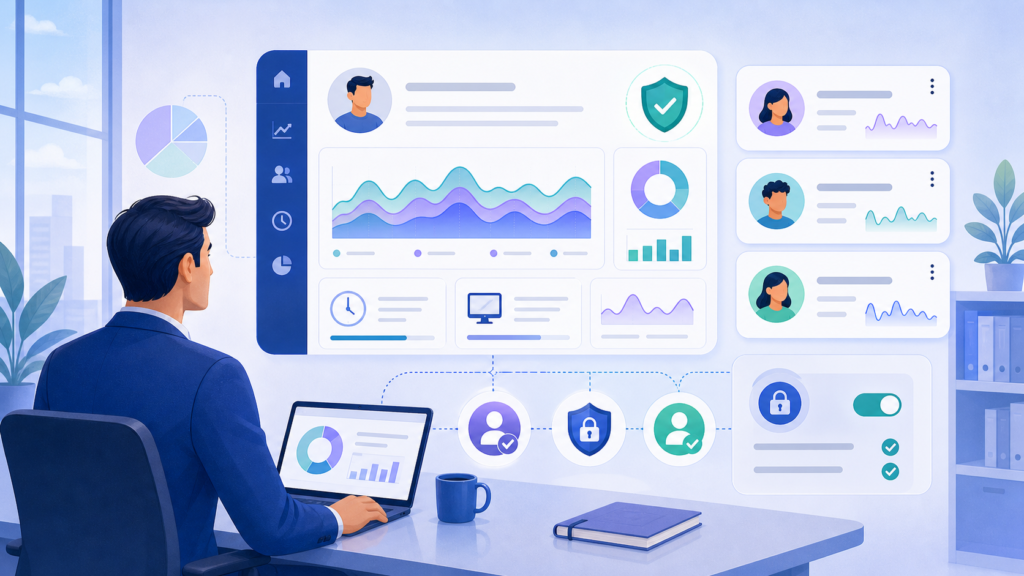
Why Choose Office Punch?
Office Punch is designed for companies that want clear attendance records, dependable tracking, and simple oversight. It offers robust time tracking features. Office Punch time tracking software is easy to use and supports accurate tracking.
It helps businesses track logged hours, review active versus idle time, and improve workforce visibility through screenshots and dashboards. It supports real time sync between user activity and admin reporting. Office Punch helps both small and large teams to keep track of the time spent.
The platform keeps the learning curve low with a user friendly interface and practical workflows.
Instead of trying to replace every system such as Google Calendar, invoicing tools, or payroll add-ons, Office Punch focuses on attendance and productivity clarity.
Office Punch’s free plan offers only basic features and does not include time tracking, activity tracking, or screenshots. The premium plan includes the aforementioned advanced features.
Conclusion
If your business still depends on spreadsheets or unclear records, now is the time to modernize how you track employee time.
Strong time tracking software helps reduce admin work, improve attendance accuracy, and support better workforce decisions. It helps leaders see trends, improve accountability, and create stronger teams.
Clear systems build better businesses.
Build Better Time Visibility With the Best Time Tracker Tool
See how Office Punch can help your business track employee time, improve attendance control, and strengthen daily productivity with smarter workforce software.
FAQs
What is employee time tracking software?
It records attendance, logged work hours, and activity trends to help businesses manage teams better.
Does Office Punch use mobile tracking?
No. It uses secure desktop-based tracking with browser dashboard access for administrators.
Can small teams use Office Punch?
Yes. Small teams often gain faster visibility and cleaner attendance records.
Are reports available for managers?
Yes. Attendance reports, productivity summaries, and custom reporting are included. Yes time tracking software includes reporting features that show how time is spent across team members.
How does Office Punch improve productivity?
It shows active versus idle time, attendance habits, and proof of work for better decisions.