Remote work changed how businesses operate. Teams now work from homes, shared offices, and hybrid setups across different locations. This gives flexibility, but it also creates a common management challenge. How do you know when people are working, how engaged they are, and whether attendance records are accurate?
The answer is not guesswork or constant supervision. The answer is a clear system that combines attendance-based time tracking, activity visibility, and smart reporting. When businesses use the right tools, they can build trust, improve structure, and support stronger results.
For growing companies, learning how to track remote employees the right way can improve daily operations and long-term performance.
Track Remote Employees With Clear Attendance Systems
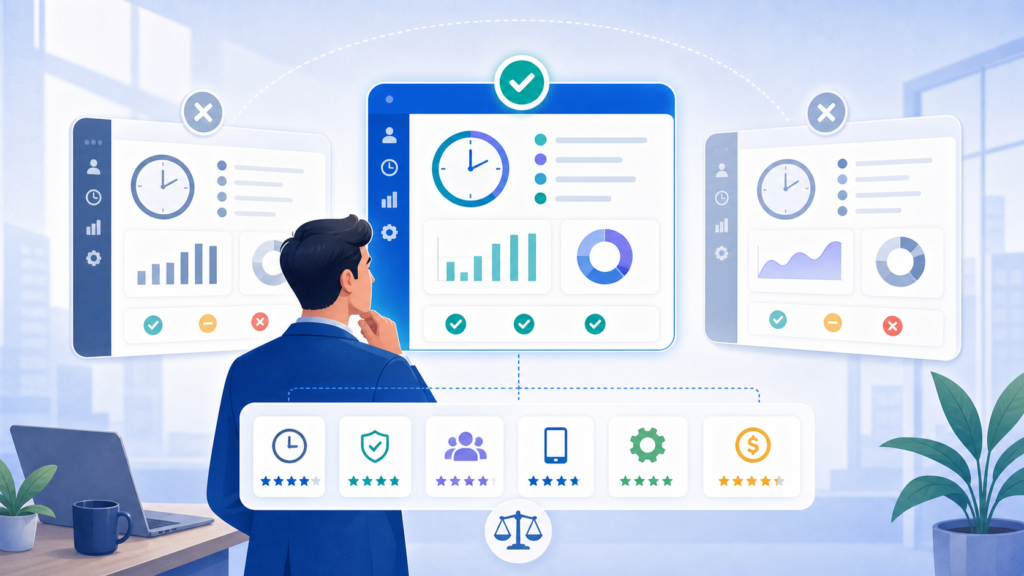
To track remote employees, businesses need dependable attendance records first. Managers should know when employees log in, how many work hours they complete, and whether work activity remains consistent during the day.
Office Punch focuses on secure desktop-based attendance tracking. Employees clock in through approved computers or laptops. Auto clock-in starts on system startup, which helps create consistent records without manual delays.
This approach supports accurate time tracking while reducing disputes over hours worked.
Employee Monitoring Software for Better Visibility
Modern employee monitoring software should help managers understand work patterns, not create confusion.
Office Punch provides activity visibility such as active time, idle time, desktop usage, and screenshots taken at random intervals. Since screenshots are unpredictable, they offer fair proof of work rather than staged behavior.
This type of employee monitoring helps leaders understand attendance habits, focus levels, and productivity patterns across teams.
Employee Monitoring Without Overcontrol
Good monitoring software should improve management, not damage culture.
The goal is to review trends, not watch every second. Office Punch helps businesses measure active versus idle time, daily consistency, and logged attendance. Managers can identify support needs, staffing gaps, or workload concerns through data.
This creates stronger employee productivity tracking without unnecessary pressure.
Employee Monitoring Software Legal Considerations
Many leaders ask if employee monitoring software legal concerns exist. The answer depends on company policy and local rules.
Businesses should always communicate monitoring practices clearly, explain what data is collected, and follow local labor laws. Transparency builds trust and reduces confusion.
Office Punch supports structured business use through attendance logs, screenshots, and productivity reporting designed for workplace accountability.
Free Employee Monitoring Software vs Business Needs
Some companies search for free employee monitoring software when exploring options. Free tools may help with basic access, but deeper visibility often requires premium systems.
Office Punch offers a limited-access free plan, while advanced features such as time tracking, activity tracking, and screenshots are available in premium plans.
Businesses should compare free tools with actual operational needs before deciding.
Performance Management Through Better Data
Strong performance management starts with reliable facts.
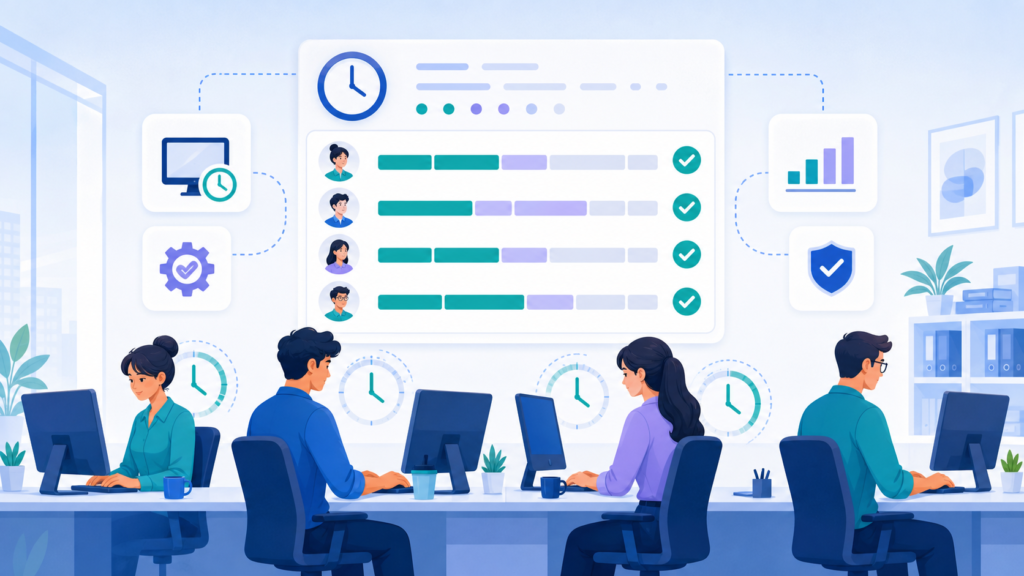
When leaders can review attendance consistency, active time, and productivity trends, they can coach teams more fairly. Discussions become based on patterns rather than assumptions.
Office Punch helps managers use reports to support growth, improve accountability, and recognize strong habits.
Remote Employees Need Structure and Trust
Managing remote employees requires balance. Too little visibility creates uncertainty. Too much control can harm morale.
The best systems create clear expectations. Employees know when attendance starts, what standards apply, and how productivity is measured.
That balance improves the employee experience while helping managers maintain standards.
Employee Monitoring Software Pros for Business Owners
The real employee monitoring software pros come from clarity.
Businesses gain better attendance records, cleaner payroll reviews, stronger workforce visibility, and improved planning. Managers can also identify workload imbalances and recurring delays.
When used well, monitoring supports stronger operational efficiency and more informed leadership.
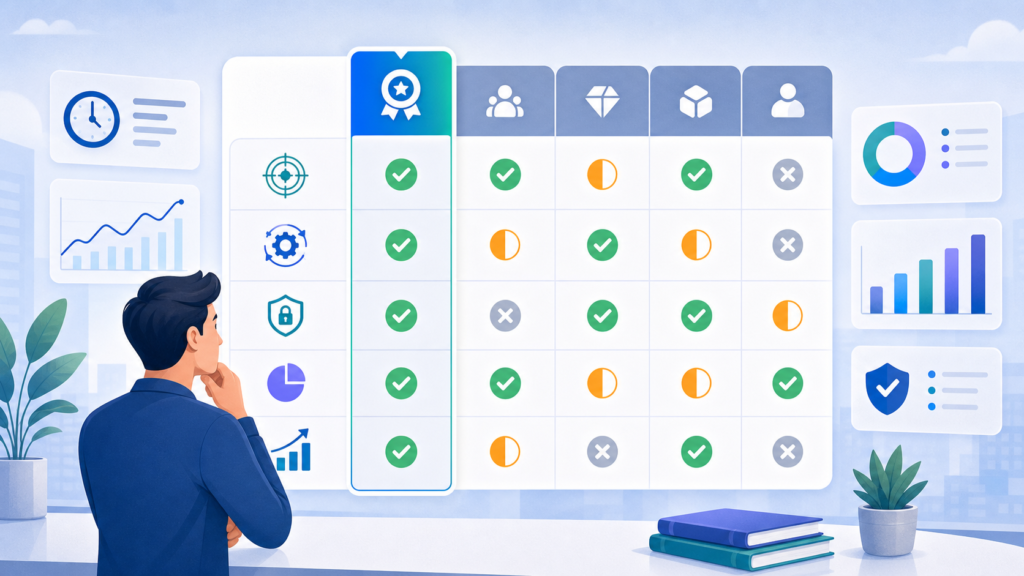
Track Employee Hours With Secure Desktop Systems
Companies need practical ways to track employee attendance across remote and office setups.
Office Punch uses secure desktop-based systems rather than open mobile punching. Employees log activity through approved devices, while administrators manage everything through a browser dashboard.
This model supports better control over employee computers, punch records, and attendance accuracy.
Activity Monitoring That Supports Productivity
Useful activity monitoring shows how work time is used.
Office Punch tracks active time, idle time, app usage, and desktop behavior trends. It helps managers understand time spent during scheduled hours and where distractions may reduce output.
This creates better productivity monitoring and stronger visibility into daily habits.
Improve Productivity With Smart Reporting
Data becomes valuable when it leads to action.
Office Punch helps businesses improve productivity through reports that show attendance gaps, active hours, idle trends, and department summaries. Leaders can use these productivity insights to support coaching and workforce planning.
This is how tracking turns into measurable progress.
Team Members Need Clear Expectations
Every company depends on its team members. Clear systems help people perform better.
When employees know how hours are tracked and what attendance standards apply, confusion drops. Managers also gain fair records for recognition and support conversations.
This helps strengthen employee engagement across remote and hybrid environments.
Employee Tracking for Remote and Hybrid Teams
Modern businesses often manage both remote and office staff. Effective employee tracking must work across all setups.
Office Punch supports remote and hybrid, hybrid teams, and remote and hybrid teams through desktop attendance systems, IP approval, and geo-boundary restrictions for punch control.
This creates one standard process across the business.
Workforce Productivity and Analytics
Business growth depends on workforce productivity.
Office Punch helps leaders review workforce analytics, workforce data, and productivity trends across departments. Managers can measure consistency, compare teams, and identify staffing pressure points.
This supports stronger workforce utilization and better resource allocation based on actual attendance and activity data.
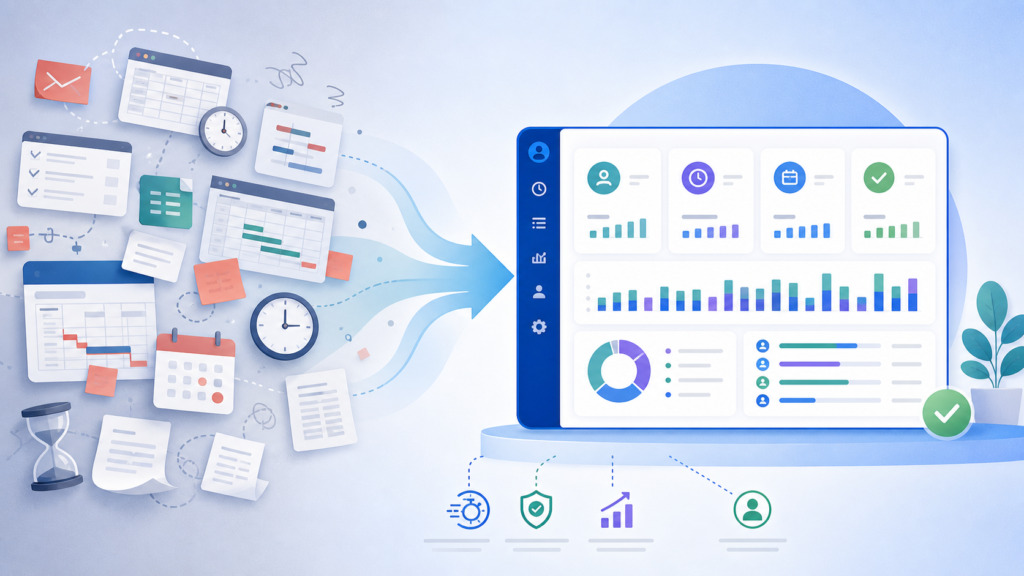
Security, Privacy, and Data Protection
Remote work also raises security concerns.
Businesses handling sensitive data need to reduce risk. Office Punch helps support accountability through login records, screenshots, and activity visibility. This can support insider risk management, insider threat detection, and awareness of unusual behavior patterns.
At the same time, companies should respect employee privacy by using clear policies and purpose-driven monitoring.
What Office Punch Does Not Focus On
Office Punch is not built around task management, deep task tracking, or constant surveillance models like continuous video recording. It does not rely on gps tracking or mobile location tracking.
Instead, it focuses on attendance automation, productivity visibility, screenshot monitoring, and reporting that helps leaders manage people effectively.
Why Choose Office Punch?
Office Punch is built for businesses that need clear attendance records, secure remote workforce tracking, and practical management insight. Office Punch is the best employee monitoring software, offering simple to use employee monitoring tools that helps employees manage their workload for optimum results and managers to measure employee performance.
It helps companies monitor employee activity, logged hours, active versus idle time, and screenshot proof captured randomly. Admins use a web dashboard for reports and oversight.
With IP approval and geo-boundary punch restrictions, Office Punch adds stronger attendance control for distributed teams.
It gives leaders the visibility needed to support employees, improve accountability, and maintain productivity.
Conclusion
Learning how to track remote employees is not about control. It is about clarity, fairness, and better management.
The right system helps businesses maintain attendance accuracy, understand productivity trends, and improve workforce decisions. It also helps employees work within clear expectations.
For companies managing a modern remote workforce, structured time tracking is now essential.
FAQs
1. What is the best way to track remote teams and remote workers?
Use desktop-based time tracking software that records attendance, active time, idle time, and clear reports for managers.
2. Does Office Punch use mobile tracking?
No. Office Punch focuses on secure desktop-based employee monitoring systems, tracking with browser dashboard access for administrators.
3. Can monitoring improve productivity?
Yes. Clear visibility into attendance and work patterns often helps businesses improve productivity and accountability.
4. Is employee monitoring legal?
It depends on local labor laws and clear company policies. Transparency is important.
5. Does Office Punch support hybrid teams?
Yes. It supports remote and hybrid teams with secure attendance controls and reporting.
Looking for the best employee monitoring solution?
See how Office Punch can help your business track remote employees, improve attendance accuracy, and strengthen workforce productivity with a robust employee monitoring software with deep monitoring capabilities of employee work hours.