Project time tracking software and project management software solve different problems — and choosing the wrong tool for the job creates gaps that cost time, money, and client trust. Understanding what each does, where they overlap, and when you need both is the starting point for building a workflow that keeps projects profitable and teams accountable.
This guide is written for project managers, agency owners, and team leads who need to decide which tool belongs in their workflow — and why the answer is often both.
What Is Project Time Tracking?
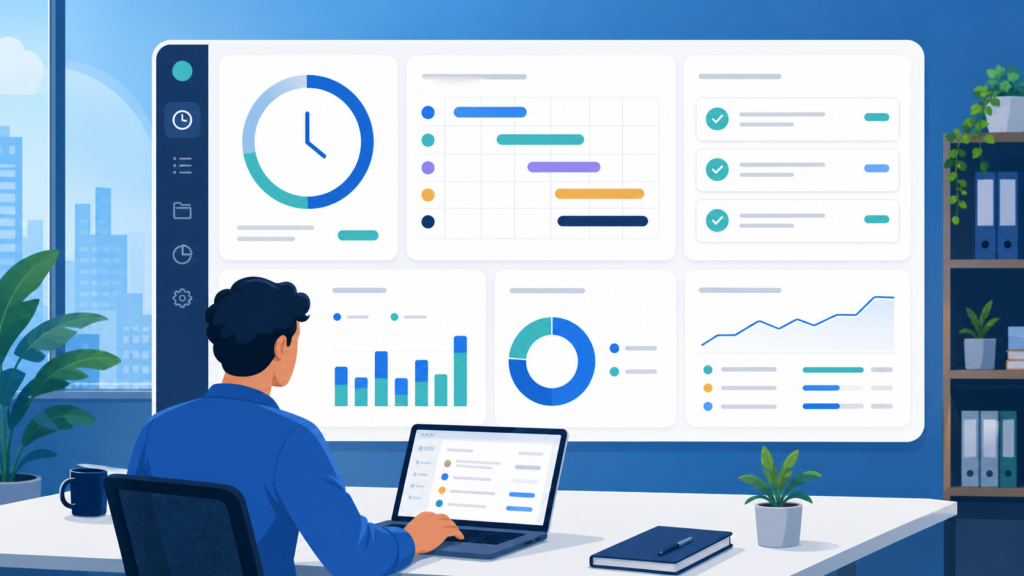
Project time tracking is the practice of recording how much time employees spend on specific project tasks, clients, or deliverables. Project time tracking software captures this data — through manual entry, automated time tracking, or a combination of both — and produces the time data managers need to manage project budgets, calculate project profitability, and generate accurate client billing.
Tracking actual hours worked prevents project budget overruns by surfacing the gap between planned hours and actual hours before it becomes a financial problem. Logging both billable hours and non billable hours provides a complete understanding of project profitability — showing not just what was invoiced, but what it actually cost the team to deliver.
Project time tracking is the financial layer of project delivery. Without it, project managers are guessing about profitability, and clients are trusting invoices they cannot verify. Setting realistic utilization targets maximizes productivity without overloading team members.
What Is Project Management Software?
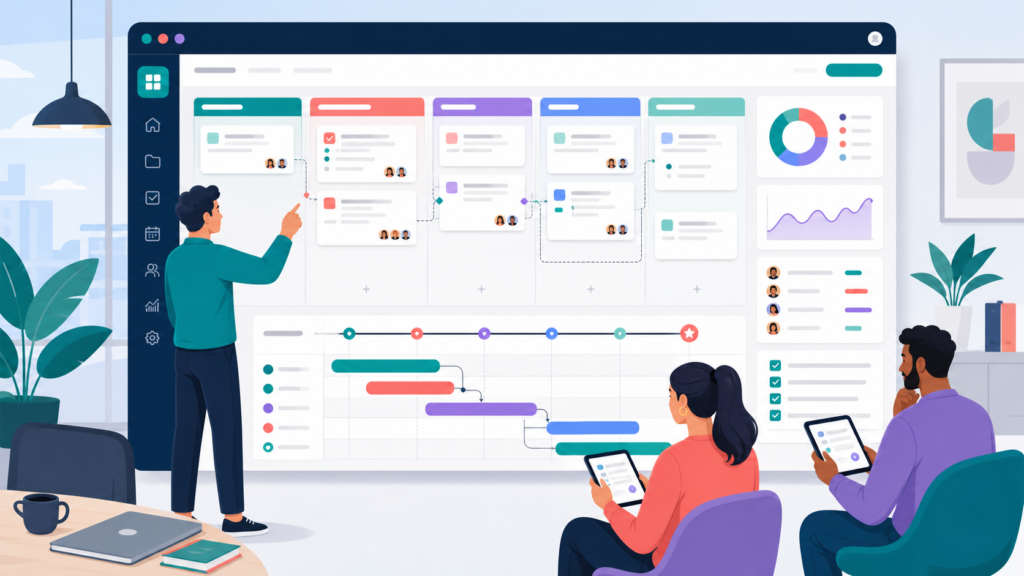
Project management software is a platform for planning, organising, and delivering projects. It handles task management, assigns work to team members, tracks project timelines, manages dependencies, and gives project managers visibility into team capacity, workload distribution, and project progress. Project tracking at the milestone and delivery level is its primary strength.
Popular project management tools include kanban boards, Gantt charts, sprint planning views, and resource management dashboards. They answer the question: is this project on track to be delivered on time? Project time tracking answers a different question: is this project on track to be delivered within budget?
Management software without time tracking tells you what is getting done. Time tracking without management software tells you how long it is taking. Most professional services firms need both.
Key Differences Between the Two
Focus and Purpose
Project time tracking software focuses on time data — capturing hours worked, classifying them as billable or non-billable, and connecting that data to project budgets, client invoices, and profitability reports. Project management software focuses on delivery — tasks, deadlines, dependencies, and team coordination.
Output and Reporting
A project time tracking tool produces detailed reports on tracked hours by project, client, team member, and task. Advanced reporting allows managers to compare actual hours against estimates, track billable rates, and generate client invoicing from verified time data. Project management software produces project status reports, milestone tracking, workload views, and delivery timelines — outputs oriented toward completion rather than cost.
Billing and Financial Visibility
Project time tracking software is essential for teams that track billable hours and bill clients based on time spent. Client billing, client invoicing, and real time budget tracking are core functions of project time tracking tools. Project management software typically handles these functions only when it includes built in time tracking as an add-on feature — and that built in time tracking is usually more limited than a dedicated time tracking tool.
When to Use Project Time Tracking Software
Project time tracking software is the right primary tool when billing clients for time, tracking project profitability across multiple projects, or managing project budgets at the task level. Professional services firms — agencies, consultancies, legal practices, IT service providers — typically need a dedicated online time tracker that supports billable hours, client invoicing, and advanced reporting on time allocation.
Logging time at a task level helps identify project profitability by showing where effort is concentrated and whether the mix of billable and non-billable work is sustainable. Comparing planned versus reported hours warns of overspending early — giving project managers the opportunity to adjust resources before a project runs over.
For small teams billing clients across multiple projects, free time tracking software with a generous free plan provides enough functionality to manage project time accurately without significant investment.
When to Use Project Management Software
Project management software is the right primary tool when the priority is delivery coordination — managing project tasks, assigning work, tracking project timelines, and ensuring team members know what to work on next. Teams delivering internal projects, product teams managing sprint cycles, and operations teams coordinating complex workflows benefit most from management software focused on delivery visibility.
When project profitability is not a priority — because work is salaried, fixed-price, or internal — project management software without dedicated time tracking may be entirely sufficient. The key is matching the tool to the actual management need rather than assuming one category of software covers both.
How Project Time Tracking and Project Management Software Work Together
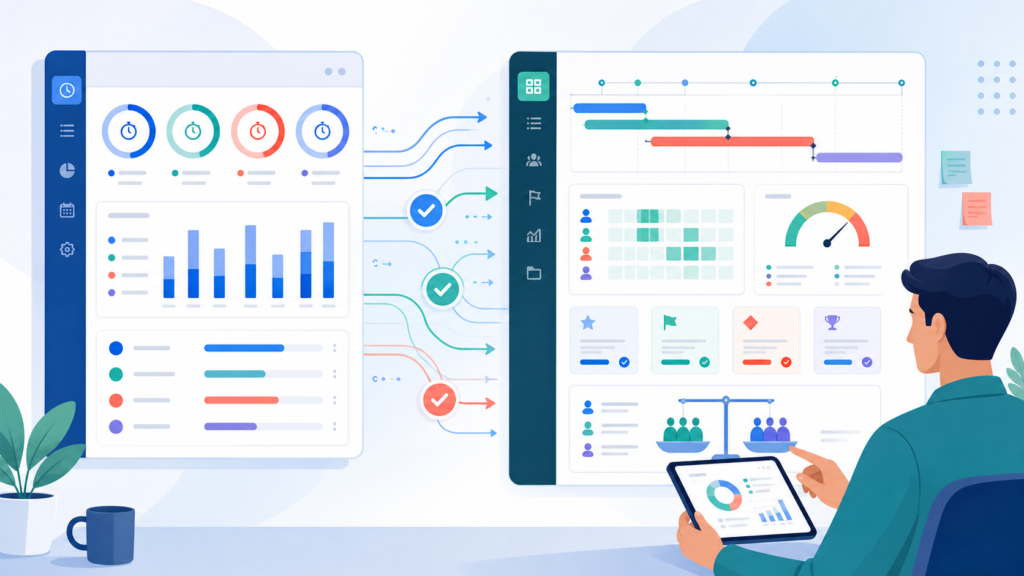
Combined project management and time tracking tools enhance visibility into deadlines and workloads — giving teams a single system where project tasks, time data, and delivery progress are visible in one view. When a team member logs hours against a project task, that time data updates the project budget in real time, giving the project manager immediate visibility into budget burn and remaining capacity.
Integration Options
Many project management tools offer built in time tracking — allowing teams to track work hours within the task management interface. The advantage is simplicity; the limitation is that built in time tracking is often less capable than a dedicated project time tracking tool, particularly for advanced reporting and client invoicing. Alternatively, teams connect a dedicated time tracking app to their project management software via integration. Browser extensions that trigger tracking directly from task management interfaces reduce the manual entry that causes time data to be missed.
Real Time Budget Tracking
Real time budget tracking — where tracked hours update project budget dashboards as work is logged — is one of the most operationally valuable outputs of combining project time tracking with project management tools. Periodic reviews of time data assist in monitoring budget burn rates, and milestone-based tracking focuses attention on outcomes rather than just time accumulation.
Choosing Between the Two: Small Teams vs Enterprise
Small Teams and Free Plans
For small teams with straightforward client billing needs, free time tracking software with a free plan and basic time tracking features often covers the core requirement. The most effective free plan options support unlimited users or unlimited projects without requiring an immediate upgrade — allowing small teams to evaluate the tool against their actual workflow before committing to paid plans.
Desktop apps and mobile app access ensure that team members can track work hours regardless of where they are working. A minimal learning curve and initial setup time are important for small teams without dedicated IT support.
Enterprise Teams and Advanced Reporting
Enterprise teams managing multiple projects across large client rosters need advanced reporting that segments time data by client, project, team member, billable rates, and time period. Real time budget tracking against project budgets, team capacity management, and integration with accounting systems add significant value for larger organisations. Online time tracker platforms designed for enterprise typically offer paid plans with project management features, productivity tools, and automated time capture that removes the manual entry burden from team members at scale.
Why Office Punch Fits Into This Picture
Office Punch is not a project management tool or a dedicated project time tracking platform — it is the workforce attendance and activity monitoring layer that sits underneath both. For Canadian employers whose teams use project time tracking software or project management software, Office Punch provides verified desktop-based attendance records, active versus idle time data, and random-interval proof of work screenshots that confirm employees are present and productive during the hours being logged.
Where project time tracking software records what employees say they worked on, Office Punch verifies that they were actively working — adding an accountability layer that neither category of software typically provides. The free plan covers basic attendance tracking, and premium plans unlock activity monitoring, custom reports, and province-specific overtime compliance.
Frequently Asked Questions
What is the difference between project time tracking and project management software?
Project time tracking software records how long employees spend on specific project tasks, produces billable hours reports, and supports client billing and project profitability analysis. Project management software manages task assignment, project timelines, and delivery coordination. Project time tracking answers whether a project is on budget. Management software answers whether it is on schedule. Professional services firms typically need both, either as separate tools or combined through integration.
Do I need a dedicated project time tracking software or is built-in tracking enough?
For teams with straightforward billing needs, built in time tracking within a project management tool is often sufficient. For professional services firms that need advanced reporting, billable rates by client, client invoicing, and real time budget tracking across multiple projects, a dedicated project time tracking tool provides significantly more capability. The key question is whether the built in tracking produces the detailed reports your billing and profitability analysis actually requires.
What should I look for in a free plan for project time tracking?
The most useful free plan for project time tracking covers unlimited projects or unlimited users without artificial limits that force an early upgrade, supports billable hours and non-billable hour classification, and includes basic reporting tools that show time data by project and team member. A free plan limited to a small number of users may be sufficient for small teams evaluating a tool before committing to paid plans.
How does project time tracking help with billing clients accurately?
Project time tracking software captures tracked hours at the task level, classifies time as billable or non-billable, and generates client invoicing from verified time data rather than estimates. Transparent reports build client trust and justify invoices by showing exactly what was worked on and for how long. This reduces invoice disputes, shortens payment cycles, and gives professional services firms the documentation needed to support every line item on a client bill.
What advanced reporting features matter most for project managers?
Project managers need advanced reporting that shows actual hours versus estimated hours by project task, budget burn rate against remaining project budget, billable hours by team member and client, and team capacity utilisation across multiple projects simultaneously. Online time tracker platforms with real time budget tracking give project managers the data to adjust resources and project timelines before budget overruns occur rather than after the fact.
Can small teams use project time tracking software effectively on desktop apps?
Yes. Most project time tracking tools offer desktop apps alongside web app and mobile app access, making it straightforward for small teams to track work hours directly from their primary work device without switching to a browser. Desktop apps typically support offline mode — storing time entries locally when internet connectivity is interrupted — which is particularly valuable for teams working across locations with variable connectivity.
How does project time tracking improve estimates for future projects?
Regular tracking and analysis of time helps refine future project estimates by building a historical record of how long specific types of tasks actually take. Daily timesheets improve accuracy by capturing details while they are still fresh, and task-level logging reveals where previous estimates were consistently optimistic. Over time, this data transforms project estimation from guesswork into an empirically grounded process — reducing scope creep, improving project profitability, and supporting more accurate proposals for future projects.
Conclusion: Match the Tool to the Management Need
Project time tracking software and project management software are not competing alternatives — they are complementary tools that answer different questions. Project time tracking tells you whether your work is profitable. Project management software tells you whether it will be delivered on time. Most professional services firms, agencies, and client-facing teams need both working together to deliver projects on time and within budget.
Start by identifying your primary pain point. If it is client billing accuracy and project profitability, start with project time tracking. If it is delivery coordination and task visibility, start with project management. Then integrate the two as your workflow matures.
Track time stress free with Office Punch, improve productivity, increase ROI!
Disclaimer
This content provides general guidance on project time tracking and project management software for Canadian businesses. It is not legal advice. Employment standards obligations vary by province. Consult a qualified Canadian employment lawyer or HR professional for advice specific to your organisation.
Want to add a verified attendance and activity layer to your project team’s workflow? Book a demo with Office Punch and see how Canadian businesses use desktop-based time verification alongside their project tools.