Key Takeaways
- Accurate timesheet data is the foundation of correct payroll processing.
- Employee details, hours worked, breaks, and overtime must all be captured before transfer.
- Manual data entry between systems creates payroll errors. Automation eliminates most of them.
- Canadian employers must retain payroll and timesheet records for specific periods by province.
- Automated time tracking reduces manual entry errors significantly.
- Export timesheet data before each payroll cycle.
- Small teams can start with a free plan and upgrade as needed.
Getting timesheets into your payroll system accurately is one of the most consequential administrative tasks a Canadian employer performs. Errors at this stage underpay employees, miscalculate overtime, and create compliance exposure under provincial employment standards. This guide covers what timesheet data must contain before payroll transfer. It covers how to choose time tracking software with project management features. It explains how automated tracking eliminates manual errors.
Why Accurate Timesheet Data Matters for Payroll
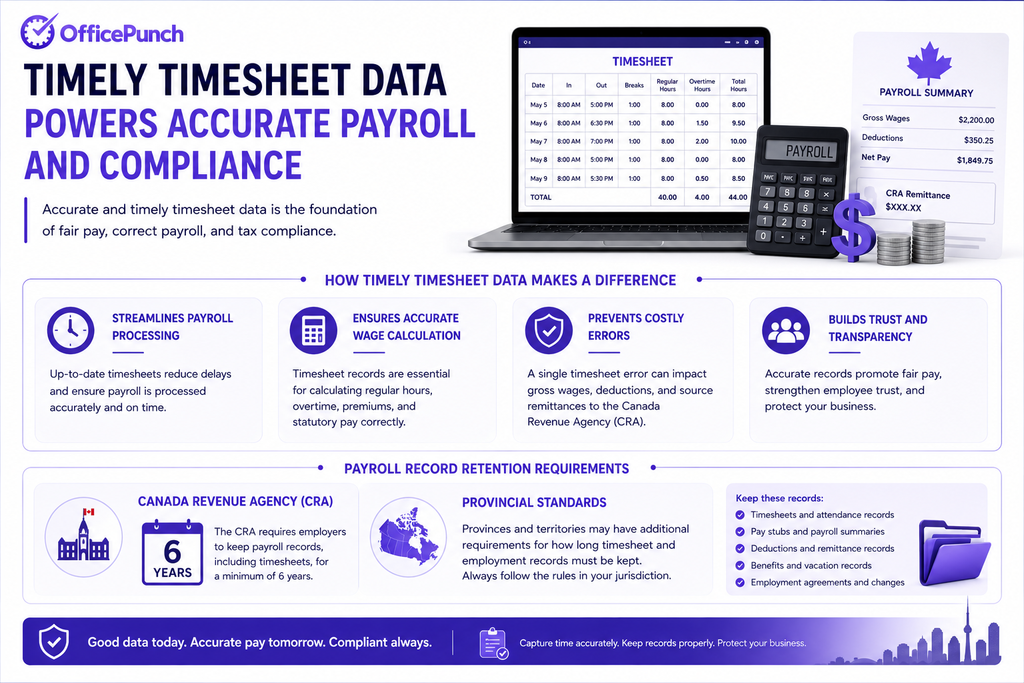
Timely timesheet data aids in payroll processing and wage calculation. Records from timesheets are essential for calculating overtime and fair pay. A single error affects gross wages, deductions, and source remittances to the Canada Revenue Agency.
The Canada Revenue Agency requires payroll records to be kept for six years. Provincial standards set additional timesheet retention requirements.
What a Timesheet Must Contain Before Payroll Transfer
Employee details recorded in timesheets include name, employee ID, and department. Timesheets capture start and end times, break durations, and tasks worked on. Before a timesheet enters the payroll system, it must show:
- Employee full name and ID number
- Pay period start and end dates
- Daily start time and end time
- Total hours worked per day
- Break durations and timing
- Overtime hours — identified separately
- Approved time off and leave codes
- Supervisor sign-off or system approval
Employers may require explanations for unusual timesheet entries. Any gap or inconsistency at this stage creates a payroll error downstream.
Manual vs Automated Timesheet Entry
Manual entry means employees write or type their hours. Someone then re-enters those hours into the payroll system. Every transfer step creates an opportunity for error.
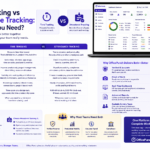
Automated time tracking reduces manual entry errors significantly. Time tracking software captures hours at the point of work. It generates time logs automatically. Export data from the system flows directly into payroll. No re-entry. No transcription errors.
The Cost of Manual Errors
Logging hours daily on timesheets prevents payroll errors and reduces stress. Logging hours at week’s end reduces accuracy — memory fades quickly. Memory is unreliable. Best practices for filling out timesheets include logging daily and using precise categorizations.
Automated reminders prompt employees to log time entries before they forget. This produces cleaner data before payroll transfer begins.
How to Export Timesheet Data for Payroll
Most time tracking software supports data export before each payroll cycle. Follow this process each pay period:
- Approve all timesheet entries. Managers review and approve each employee’s record.
- Flag and resolve exceptions. Missing punches, unrecorded breaks, or overtime anomalies need correction before export.
- Generate a payroll report. Use the reporting tools in your time tracking system to produce a summary by employee.
- Export in the correct format. Most payroll systems accept CSV, Excel, or direct API transfers.
- Import into the payroll system. Verify totals after import. Spot-check several records manually.
- Lock the timesheet period. Prevent retroactive changes after payroll is processed.
Choosing the Right Time Tracking Software
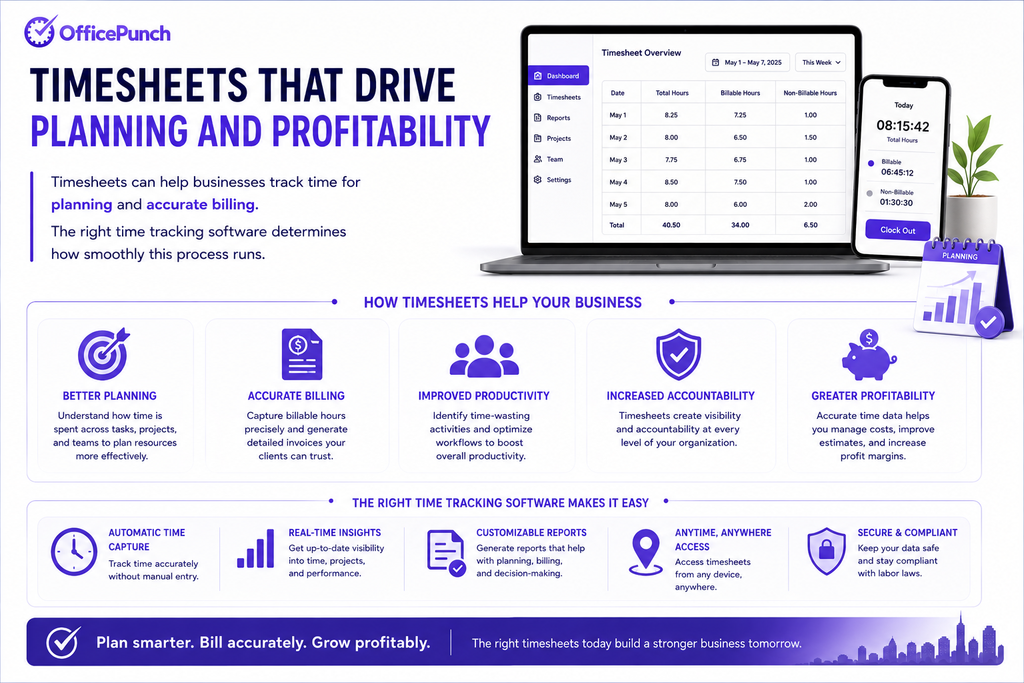
Timesheets can help businesses track time for planning and accurate billing. The right time tracking software determines how smoothly this process runs.
What to Look for
The best time tracking software for payroll integration offers:
- Automated time tracking — captures hours without manual input
- Export data in formats your payroll system accepts
- Custom reports by employee, date range, and pay period
- Real time sync between tracking app and management dashboard
- Approval workflows for manager sign-off before export
- Audit trail showing every edit to a time entry
A user friendly interface reduces the learning curve. Cleaner data enters payroll from day one.
Desktop App vs Web App
A desktop app captures hours automatically. It does not rely on employees remembering to log in. A web app allows managers to review time data from any device. The best systems offer both — with real time sync between them. Remote teams benefit from consistent tracking regardless of location.
Payroll Integration: What to Look for
Not all time tracking systems connect to payroll software equally. When evaluating options, check:
- Does the system export in your payroll provider’s format?
- Is the integration automated or manual?
- Can it handle multiple pay rates?
- Does it flag overtime based on provincial thresholds automatically?
Organizations analyze time data to improve workflow efficiency. Strong management features support both payroll compliance and workforce planning.
Record Retention Requirements in Canada
Timesheets provide auditable records for compliance with labour laws. Canadian employers must retain payroll and time records as follows:
| Jurisdiction | Minimum Retention |
|---|---|
| CRA — Payroll | 6 years |
| Ontario | 3 years |
| British Columbia | 4 years |
| Alberta | 3 years |
| Quebec | 3 years (ALS); 6 years (CRA) |
| Federal (Canada Labour Code) | 3 years |
Sources: Canada Revenue Agency | Ontario Employment Standards Act
Entering actual breaks is important for compliance with labour standards. These records must be available for inspection at any time.
Small Teams and Free Plans
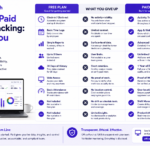
Small teams often start with a free plan on a time tracking app. Basic logging features are usually sufficient for small teams. As payroll complexity grows, paid plans add advanced features. Multiple pay rates, overtime averaging, and multi-province compliance all require more capability.
For small businesses, a free plan with basic timesheet management reduces payroll preparation overhead. Employee monitoring is available on premium tiers.
Why Office Punch Simplifies Timesheet-to-Payroll Transfer
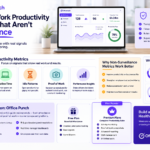
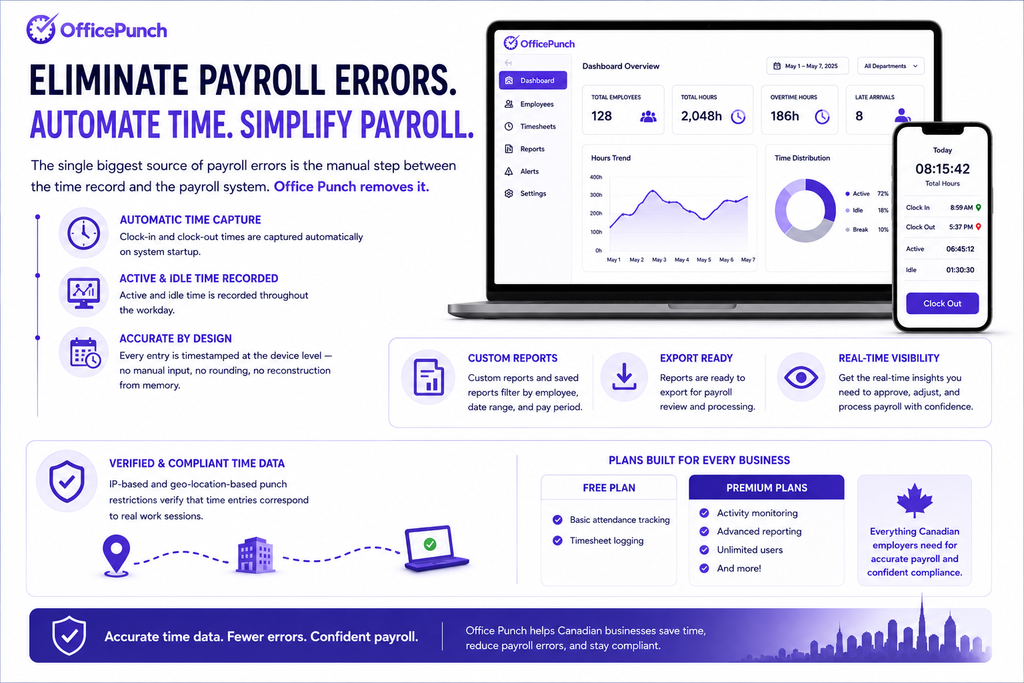
The single biggest source of payroll errors is the manual step between the time record and the payroll system. Office Punch removes it. Clock-in and clock-out times are captured automatically on system startup. Active and idle time is recorded throughout the workday. Every entry is timestamped at the device level — no manual input, no rounding, no reconstruction from memory.
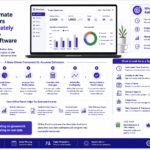
Managers review attendance data through a real-time web app dashboard. Custom reports and saved reports filter by employee, date range, and pay period — ready to export for payroll review. IP-based and geo-location-based punch restrictions verify that time entries correspond to real work sessions. The free plan covers basic attendance and timesheet logging. Premium plans add activity monitoring, advanced reporting, and unlimited users for teams with more complex payroll needs.
Ready to eliminate payroll errors caused by inaccurate timesheets? Book a demo with Office Punch. See how automated tracking gives Canadian employers verified timesheet records — ready for payroll each period.
Frequently Asked Questions
What information must a timesheet include before payroll transfer?
A timesheet must include: employee name and ID, pay period dates, daily start and end times, break durations, total daily hours, overtime hours, and approved leave. Management sign-off is required before the timesheet enters the payroll system. Automated time tracking tools ensure these fields are captured accurately at the source — reducing the manual review required before each payroll cycle runs.
Which time tracking software works best for seamless payroll integration?
The best time tracking software for payroll integration generates approved, exportable time data in formats your payroll system accepts. Look for automated time tracking, approval workflows, custom reports, and real-time sync between the tracking app and the management dashboard. A web app gives managers payroll visibility from any device. Office Punch produces verified timesheet records from desktop and laptop devices — ready for payroll review and export each pay period.
How does a free plan work for timesheet and payroll management?
A free plan on most time tracking apps covers basic timesheet logging — start and end times, break records, and daily hour totals. This is sufficient for small teams with straightforward payroll needs. For teams that need project tracking, custom reports, overtime alerts, or export data in specific payroll formats, a premium plan provides the management features required for more complex payroll integration.
How do I track time for billable hours and non-billable time separately on a timesheet?
Effective time tracking software allows employees to categorize time entries as billable time or non-billable as they log. This separation is important for service businesses that need to distinguish chargeable client work from internal tasks. A time tracking app with category tagging makes this automatic. At payroll time, the split between billable hours and administrative time is already documented — supporting both accurate payroll and transparent client reporting.
How does employee monitoring connect to timesheet accuracy?
Employee monitoring tools that track active and idle time provide an objective basis for timesheet records. Rather than relying on self-reported hours, monitoring data verifies that recorded hours reflect actual working time. This reduces disputes at payroll review. It also creates an audit trail that supports personal productivity analysis. For remote teams especially, activity-based monitoring ensures that timesheet data entering the payroll system is accurate and defensible.