Every HR manager in North America has experienced the same failure: a timesheet process that looked good on paper but collapsed in practice. Employees submit late, hours are estimated rather than recorded, and managers spend Friday afternoons chasing submissions instead of reviewing them. The underlying problem is rarely the submission step — it is the time data itself. When employees lack a reliable record of their own hours, they estimate, and estimates cannot support a reliable timesheet process. This guide covers how to fix the data problem first.
Key takeaways
- A timesheet workflow fails at the data level before it fails at the process level: employees who estimate their hours will always produce unreliable timesheets, regardless of how many reminders you send.
- Automatic session logging eliminates the estimation problem for desktop teams — attendance is recorded by the PC at boot, not by the employee from memory.
- OfficePunch generates machine-produced attendance records that serve as the factual basis for a timesheet process: session start and end times, active versus idle time, and app usage logs.
- A reliable timesheet process in North America has three components: accurate underlying time data, a defined review cycle, and an audit record that HR and payroll can rely on.
- OfficePunch does not provide a timesheet submission, approval, or lock workflow — it provides the verified attendance data that such a workflow is built on.
Why timesheet processes fail
Timesheet processes fail at the data level before they fail at the process level. When employees fill out a timesheet from memory at the end of the week, they produce an estimate. Humans are poor at recalling exact working hours from days prior — they round to the nearest hour, forget short sessions, and misattribute which day a task fell on. The result is a timesheet that looks complete but rests on systematic estimation error.
The second failure: the review step has nothing to check against. A manager reviewing a self-reported timesheet has no independent record to compare it to. Without an automatic attendance log, the review is a formality, not a verification.
What a reliable timesheet process actually needs
A timesheet process that holds up in practice — and that satisfies Canadian employment standards record-keeping requirements — needs three things.
1. Accurate underlying time data
The foundation is a reliable record of when each employee worked. For desktop teams, this means session-level logs: when the PC was on, how long it was active, and what was happening during the session. This record should not depend on any employee action to generate — it should be produced automatically by the monitoring or attendance system.
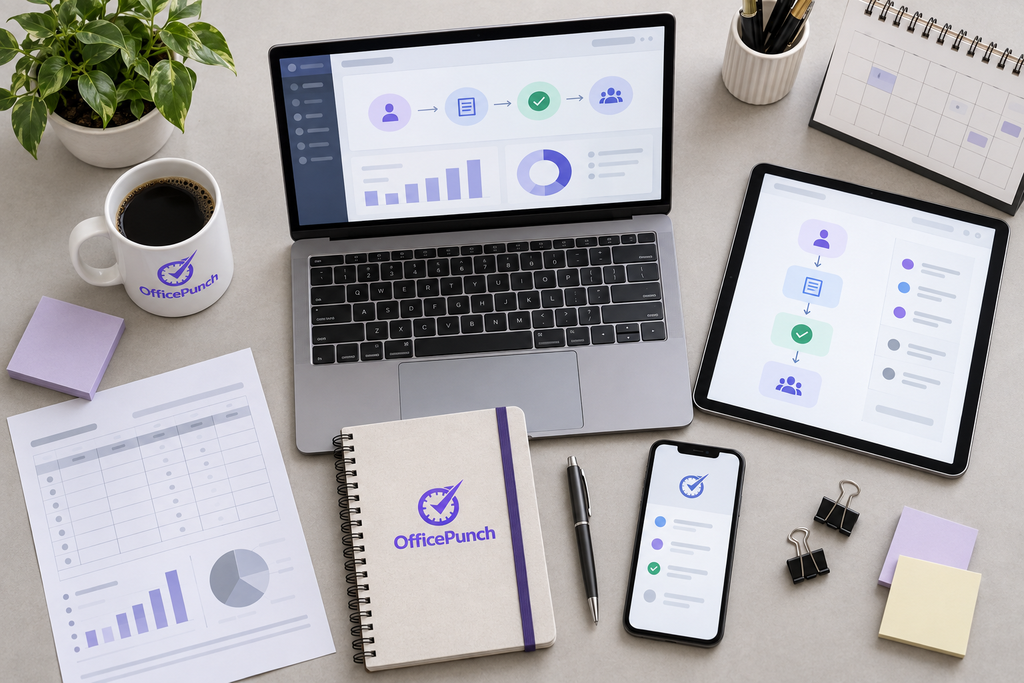
OfficePunch provides this layer. When an employee starts a Windows PC, OfficePunch records the session start time automatically. Active time — periods of mouse and keyboard input — is distinguished from idle time. Session end is recorded when the PC shuts down or the employee signs out. The result is a machine-generated attendance record for each employee and each working day, produced without any employee action beyond turning on their computer.
This is the record that makes a timesheet process reliable. Instead of asking employees to reconstruct their hours from memory, the process gives them — and their managers — an accurate log to work from.
2. A defined review cycle
The review step is where the underlying attendance data meets the manager’s knowledge of what the employee was working on. The manager reviews OfficePunch’s session logs alongside whatever project or task records the team maintains. The question is whether the recorded hours align with expectations: was the employee present when they were expected to be? Were there significant idle periods that need explanation? Is the active time consistent with the work assigned?
This review is substantive only when there is an independent record to review against. OfficePunch’s session logs provide that independent record.
3. An accessible audit record
Canadian employment standards legislation requires employers to maintain time records for two to three years depending on the province. The audit record needs to be accessible and exportable — if an employment standards officer or an adjudicator asks for time records for a specific employee over a specific period, the records must be producible.
OfficePunch’s session-level reports are exportable. HR teams can pull records for any employee for any date range and produce the documentation required in an employment standards proceeding. The records are machine-generated, timestamped, and stored in OfficePunch’s system, which makes them more defensible than paper timesheets or spreadsheet logs that could be altered retrospectively.
Building the workflow step by step
Step 1: Establish the automatic attendance baseline
Deploy OfficePunch on each employee’s Windows PC. From the moment of installation, the session log generates automatically at every PC startup. No employee training or habit change is required for the attendance record to be created — the record is produced by the machine.
Confirm that session logs are populating for each employee in the OfficePunch admin panel. Each employee should show daily session records with start time, end time, active time, and idle time.
Step 2: Define your review period and reviewer
Set a consistent review period — weekly is standard. Assign a reviewer per team: typically the direct manager. The reviewer compares OfficePunch session logs against expectations — attendance on expected days, reasonable session lengths, no unexplained extended idle periods. Define in advance what requires follow-up versus what is within normal variation.
Step 3: Follow up on discrepancies
When a session log shows something unexpected — a short session on an expected full day, extended idle time during core hours, or a missing session — the manager raises it with the employee. The employee explains (unlogged leave, equipment issue, unplanned absence) and the record is annotated. The session log is the factual starting point; the annotation provides the context.
Step 4: Export records for payroll and HR
At the end of each pay period, the OfficePunch admin exports session-level time reports for the relevant employees. These show actual hours — not self-reported estimates. OfficePunch does not integrate directly with payroll platforms; the exported report is imported or manually entered into the employer’s payroll system.
Step 5: Retain records in line with provincial requirements
Store exported session reports in a secure location. Ontario requires time records for three years. BC and Alberta require two years. Federal employers under the Canada Labour Code require three years. If records relate to an ongoing dispute or claim, retain them until the matter is resolved, regardless of the standard retention period.
Common objections to automatic session logging
“Our employees will feel surveilled.”
Canadian privacy law requires employers to inform employees before monitoring begins. A written electronic monitoring policy explaining what OfficePunch records — session times, active versus idle time, app usage, and screenshots — and why it records it resolves this objection. Employees who understand the purpose and scope typically accept it. The monitoring is limited to Windows desktop activity on employer-owned equipment during working hours — not GPS tracking, not personal devices, not covert.
“Our process already works well enough.”
The test: if you received an overtime complaint covering the past 12 months, could you produce a complete, machine-generated time record for every day of that period? If not, “well enough” is a risk rather than a reality.
What OfficePunch does and does not provide
OfficePunch provides: automatic session-level attendance logging on Windows PCs; active versus idle time tracking; app and website usage logs; random screenshot capture; session reports that are exportable for payroll and HR purposes; and geo restriction and IP restriction controls at the point of session start.
OfficePunch does not provide: a timesheet submission workflow; a timesheet approval or rejection interface; a timesheet lock or sign-off process; direct payroll platform integrations; or project management or billable hours tracking.
The distinction matters because a timesheet submission and approval workflow requires a separate tool if your organisation needs employees to formally submit hours for manager approval before payroll is processed. OfficePunch’s session records serve as the attendance foundation for that workflow — the data that the submission is based on — but the submission, approval, and payroll export steps are managed in your existing payroll or HR platform.
Frequently asked questions
Does OfficePunch replace our existing timesheet software?
Not necessarily. OfficePunch provides machine-generated session logs that serve as the attendance data source. If your existing software handles payroll processing or timesheet workflows, OfficePunch works alongside it — the session logs provide the accurate underlying hours your process references.
How does OfficePunch help with Canadian employment standards compliance?
OfficePunch’s session logs show daily start and end times, active time, and session duration for each employee — satisfying the time record requirements of Ontario’s ESA, BC’s Employment Standards Act, Alberta’s Employment Standards Code, and the Canada Labour Code. Machine-generated records are more defensible than self-reported timesheets because they are timestamped at creation and cannot be retroactively altered.
What happens if an employee forgets to close their session?
OfficePunch records idle time separately from active time. If a PC is left on after the working day, the log shows the shift from active to idle — giving the reviewer a more accurate picture of actual work time versus computer-on time. A PC on for 10 hours but active for 7.5 reflects the 7.5 as the work record.
Can OfficePunch session logs be used in an employment dispute?
OfficePunch’s session logs are machine-generated, timestamped, and exportable. They can be provided to employment standards officers or legal counsel as documentary evidence of when an employee’s PC was active. Consult an employment lawyer licenced in your province for advice specific to your situation.
About OfficePunch
OfficePunch is a Canadian-built Windows desktop monitoring platform serving businesses across North America. The platform generates automatic session-level attendance records from the moment a Windows PC boots — no employee action required — giving HR managers and payroll teams a machine-produced time record that is more accurate and more defensible than self-reported timesheets. OfficePunch’s flat per-organisation pricing makes it cost-effective for Canadian businesses managing employment standards compliance across growing teams.
Service area
OfficePunch serves businesses across North America, including employers in Toronto, Vancouver, Calgary, Edmonton, Ottawa, Montreal, and major US markets. Canadian businesses operating under employment standards time-record requirements use OfficePunch’s session logs as the factual attendance base for their payroll and HR processes.
Next step
To replace estimated timesheets with automatic, machine-generated attendance records, visit the OfficePunch features page for the full feature overview. See getting timesheets into your payroll system for how OfficePunch session data flows into payroll processing. Start a free plan for up to five users with no credit card required.